Dead zones beyond the home are one of the most common and annoying network problems, and honestly, the fix is simpler than most people think: an outdoor WiFi access point.
About 71% receive their router from their internet service provider, and the streaming services are now present in 91% of United States internet households, increasing demand for reliable WiFi coverage in outdoor living spaces where people watch videos, listen to music, and use connected devices.
Check out this guide for the top outdoor WiFi access points for 2026, whether you’re setting up a garden, pool area, business courtyard, or big property. It covers what you need to think about before making a purchase too.
This guide helps you pick the best outdoor WiFi access points available today and explain how to choose the right solution for extending your wireless network.
What Is an Outdoor WiFi Access Point?
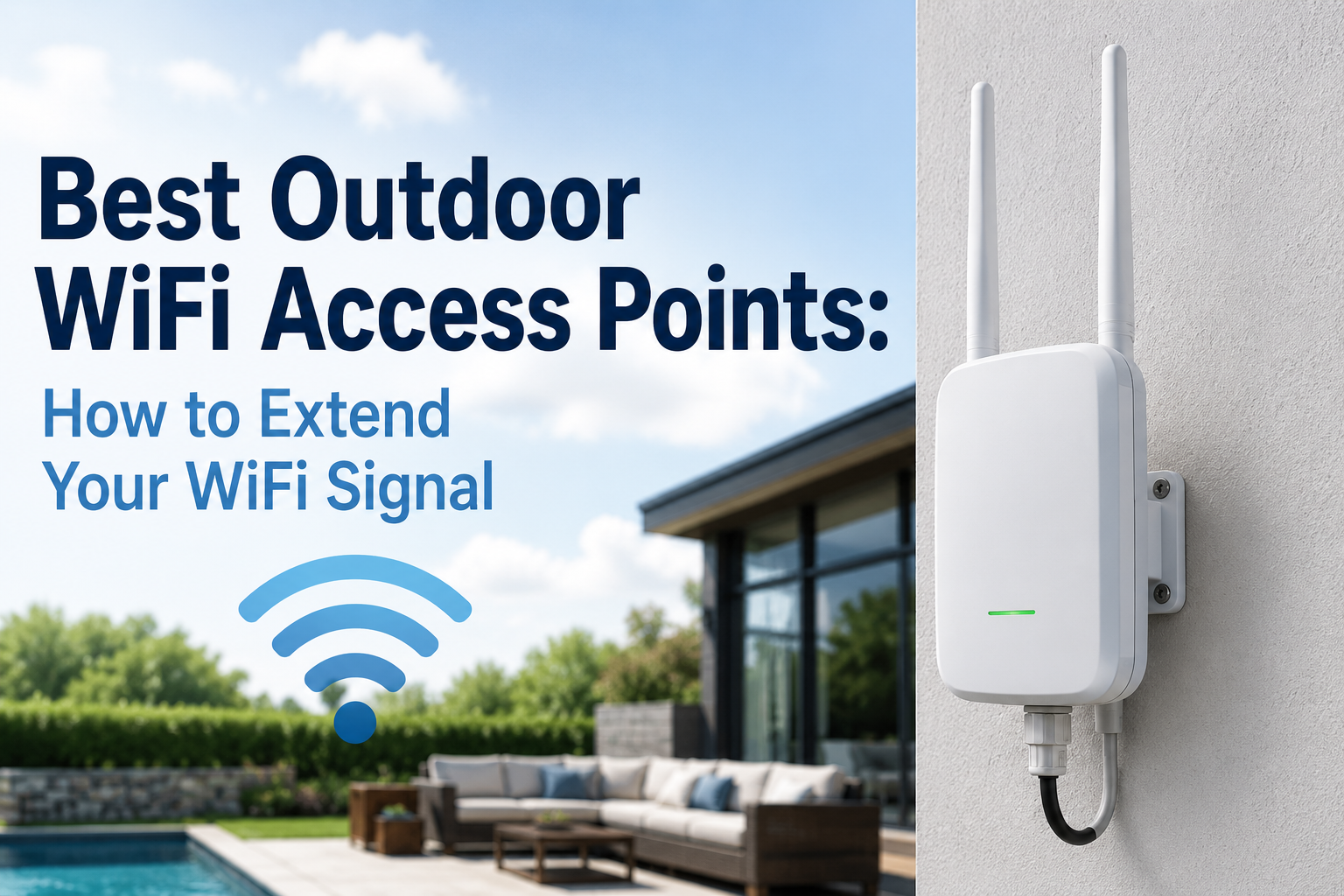
Outdoor WiFi access points are special devices for expanding your network coverage outside. Unlike typical indoor routers, they’re designed to handle elements like rain and heat. These tools blast signals over long distances, which is super useful. They’re basically rugged and built for large outdoor spaces, not just your backyard but any big area.
They are connected to the main router through an Ethernet cable, thus forming a network by extending your existing network through a wired network extender. It is able to provide a fast and stable connection, unlike wireless network extenders. So, it really sets a proper access point apart with its wired backhaul.
Access Point vs. Extender vs. Mesh: Which Do You Need Outdoors?
Before choosing a device, it helps to understand how these three solutions differ, especially for outdoor use.
Access Points: Connect to your router using an Ethernet cable, and then they carve out a dedicated WiFi corner. In general they’re the go-to for performance and reliability because the signal is not getting worn down by wireless hops, or whatever you want to call it. If you are doing an outdoor install and running a cable is feasible, then access points are basically the top-tier pick.
Mesh Systems: Work by using either wireless links or wired backhaul between the various nodes, and this ends up covering the place more evenly. However, they are more easily deployed, especially where cabling is not practical and can handle smoother handoff among the nodes.
WiFi Extenders: They capture the WiFi signal you already have and then resend it so the coverage can go farther.
What to Look for in an Outdoor WiFi Access Point
Weather Resistance (IP Rating)
An IP rating will determine the degree to which certain equipment resists ingress from dust and water. Outdoors, equipment that can handle water splashing is enough, with an IP65 rating. If more protection is required due to heavy rains or other environmental conditions, one needs IP67 or even IP68 ratings.
WiFi Standard
The best Wi-Fi option for outdoor activities in 2026 is Wi-Fi 6 (802.11ax), providing 800 to 1,200 Mbps speed, as well as MU-MIMO. Modern devices support it too, making it convenient. For those needing even more speed, WiFi 7 is coming in, led by brands like Ubiquiti in early adoption stages.
Power over Ethernet (PoE)
The majority of exterior access points use Power over Ethernet, abbreviated PoE, in a manner where energy is transmitted alongside the data using just one Ethernet cable. So installation gets a lot easier because you don’t need some extra power line sitting around. Most of the time, a PoE switch, or injector, near the router is what does the job, and it works just fine.
Coverage Range
Wi-Fi coverage differs a lot. Basic outdoor systems are for smaller spaces, such as gardens that measure up to 1,500 square feet. Advanced access points, such as the TP-Link EAP650-Outdoor, are capable of supporting large spaces measuring up to 3,500 square feet. And long-range bridges? Those connect buildings for kilometers as long
Cloud Management
For small enterprises and networks with multiple locations, cloud-based management systems for access points, such as TP-Link Omada and Ubiquiti UniFi, can be used. You can manage everything through your dashboard even when away.
Best Outdoor WiFi Access Points in 2026: Our Top Picks
1. TP-Link EAP650-Outdoor Best Overall
Best for: most homes and small businesses | WiFi Standard: WiFi 6 | IP Rating: IP67
The TP-Link EAP650-Outdoor AX3000 seems like a safe bet for 2026. It offers up to 2,976 Mbps with WiFi 6 and can cover about 3,500 square feet. Of course, that depends on walls and where you place it.
Why it stands out: it has that good mix of speed and range, plus durability that actually holds up outside, and the overall value feels fair too for most outdoor installs.
2. TP-Link EAP610-Outdoor Best Budget Pick
Best for: budget buyers | WiFi Standard: WiFi 6 | IP Rating: IP68
It is more affordable, offers WiFi 6, and features an IP68 rating for water resistance. But more importantly, it quietly extends its coverage to your patio, driveway, and even your yard.
Why it stands out: IP68 weatherproofing, plus WiFi 6 performance, all at an accessible price point.
3. Ubiquiti U7-Outdoor Best for Performance
Best for: power users and organizations | WiFi standard: WiFi 7 | IP rating: IP67
The Ubiquiti U7-Outdoor is an excellent solution for a speedy deployment of WiFi 7 outdoors. It blends perfectly with other UniFi equipment and draws power using PoE+. Therefore, it can withstand all harsh weather conditions.
Why it stands out: WiFi 7 outdoor performance for people with higher needs who want the cleanest results, no compromise, or whatever you call it.
4. NETGEAR WAX610Y Best for Businesses
Best for: SMB and multi-device environments | WiFi standard: WiFi 6 | IP rating: IP55
NETGEAR’s outdoor access point will be a suitable choice for small enterprises since it can provide coverage to as many as 200 devices. The device comes with 2.5G Ethernet with PoE. What’s more, it serves as an effective tool for bridging buildings wirelessly.
Why it stands out: multiple deployment choices, plus enterprise-style management for business needs.
5. TP-Link EAP110-Outdoor Best Entry-Level Pick
Best for: Basic coverage on a tight budget | WiFi Standard: WiFi 4 | IP Rating: IP65
However, you definitely don’t have to go premium all the time. The EAP110-Outdoor V3 provides a relatively inexpensive but reliable solution for covering up your garage or perhaps a small garden. This device operates in the 2.4GHz frequency band, offering better coverage, even penetrating walls. Moreover, it comes with a passive PoE injector.
Why it stands out: Probably the cheapest way to get dependable weatherproof outdoor WiFi coverage.
Comparison at a Glance
| Model | WiFi Standard | IP Rating | Best For | Coverage |
| TP-Link EAP650-Outdoor | WiFi 6 (AX3000) | IP67 | Most homes & SMB | Up to 3,500 sq ft |
| TP-Link EAP610-Outdoor | WiFi 6 (AX1800) | IP68 | Budget buyers | Up to 2,500 sq ft |
| Ubiquiti U7-Outdoor | WiFi 7 | IP67 | Power users | Large areas |
| NETGEAR WAX610Y | WiFi 6 (AX1800) | IP55 | Businesses | Up to 2,500 sq ft |
| TP-Link EAP110-Outdoor | WiFi 4 (N300) | IP65 | Basic coverage | Up to 1,500 sq ft |
Installation Tips for Outdoor Access Points
Getting the hardware right is only half the job. Placement and setup matter just as much for outdoor performance.
- Mount at a height with a clear line of sight. The higher the access point is, the fewer obstacles there are between it and your devices.
- Run a single Ethernet cable. Most outdoors access points need only one cable; it takes both power through PoE and data back to your router or to a PoE switch.
- Protect cable entry points. Where the cable comes into the building or just goes through the walls, seal that entry spot with weatherproof gland fittings or a bit of silicone in a careful way to stop moisture from getting in.
- Use cloud management for multiple units. Should you choose to deploy more than one outdoor access point, for example, covering the front and rear of a property, then a cloud-based management system such as TP-Link Omada would allow you to control all your access points from one single source and make life a lot easier for you.
- Check local regulations. When setting up outdoor wireless gear for a business or multi-tenant place, remember it has radiation limits. Check that your choice fits local rules before installation, though. It’s important to avoid issues later on, so be sure to double-check first.
Final Thoughts
No more permanent outdoor WiFi dead zones! Place a weatherproof access point correctly, power it with PoE, and you’ll get reliable coverage, similar to indoors. It’s a one-time setup that quickly proves its worth.
Pick the one that matches your coverage needs, your budget, and whether you want cloud management or not, and yeah your outdoor spaces won’t stay dead zones anymore.