
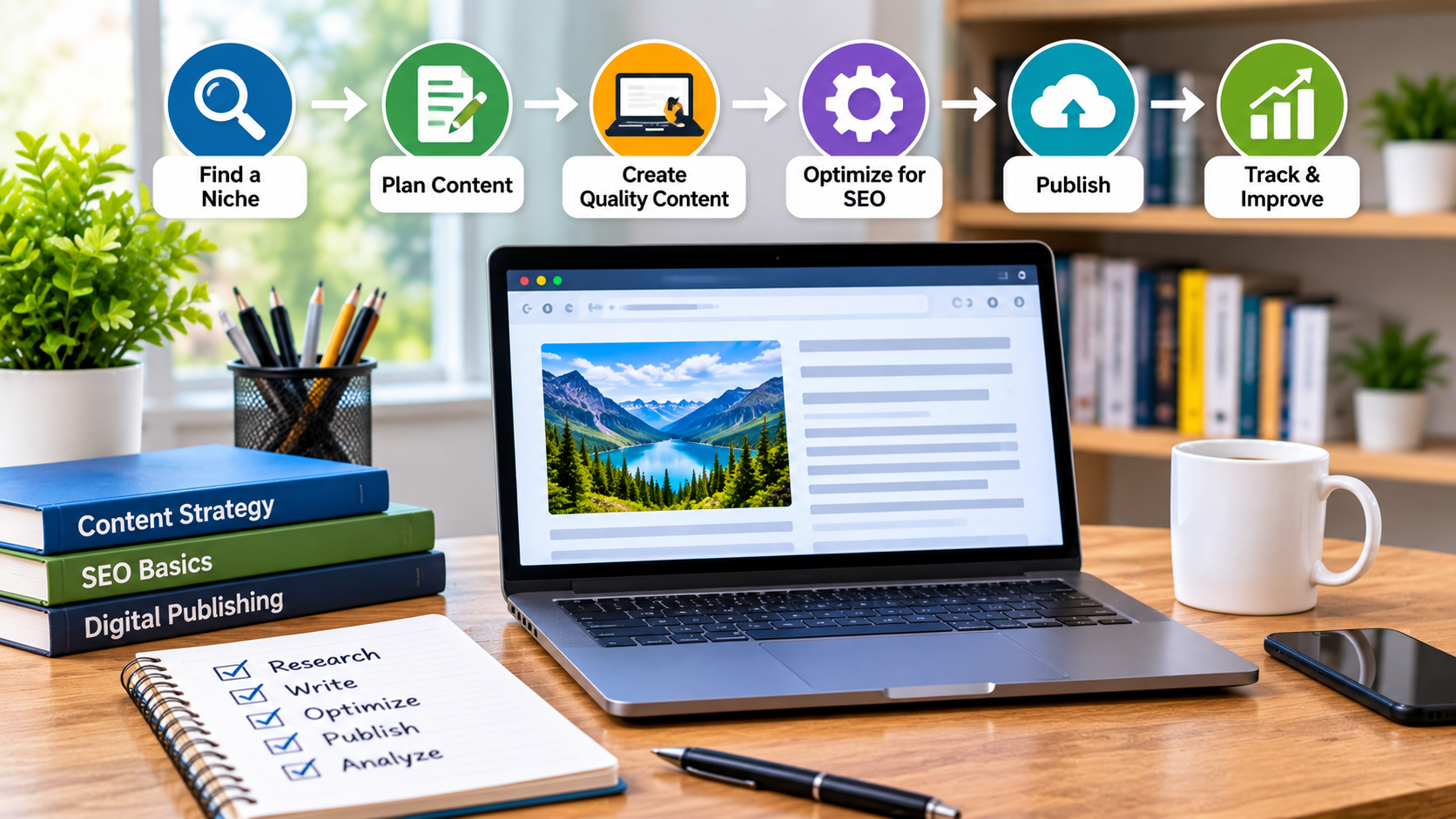
Publishing useful content online involves more than writing a strong article. Teams also need a repeatable way to plan topics, manage drafts, check rights, prepare images and distribute finished work. A simple digital workflow can reduce missed steps without turning editorial work into a maze of software. For authors, publishers and businesses working in specialist areas such as books, a few well-chosen tools can make that process easier to manage.
Start with a clear publishing pipeline
A content pipeline shows where each piece of work stands, from the first idea to publication and follow-up. It can be managed in a project board, a spreadsheet or a content management system (CMS), as long as the stages are visible and consistently used.
A practical set of stages might include:
- Idea: Record the audience, question or problem the content addresses.
- Research: Gather trustworthy information and note what needs checking.
- Draft and edit: Assign a writer, reviewer and due dates.
- Production: Add images, links, headings, metadata and accessibility details.
- Publish and review: Check the live page, then schedule updates or promotion.
Keep the stages specific enough to make ownership clear, but avoid adding approvals that do not improve accuracy or quality. A small team may only need one editor to move a draft through the board. Larger teams can assign separate checks for legal, technical or brand requirements.
Choose tools that fit the work
The best publishing setup is not necessarily the one with the most features. A CMS should make it straightforward to format pages, manage revisions, set publication dates and correct errors. A project tool can handle assignments and deadlines, while shared documents support drafting and comments. If these systems do not connect, use a simple naming convention and a single source of truth for each article’s status.
Automation is useful when it removes repetitive work. For example, a workflow could notify an editor when a draft is ready, create a task for image review, or remind a contributor about a deadline. It should not publish unreviewed material or send readers generic updates simply because a trigger fired. Human checks remain important for context, tone and factual accuracy.
Plan distribution as part of the article
Publishing on your own website is one way to reach readers, but relevant external publications can introduce a specialist subject to new audiences. Authors and book-related businesses might look for blogs that cover a matching genre, craft or reader community. A directory of book guest-posting sites can help identify possible outlets, but a list is only a starting point.
Before pitching, read the publication’s recent articles and contribution guidelines. Check whether its readers are likely to care about your proposed subject, whether it accepts original contributions and whether it has clear editorial standards. A thoughtful pitch should explain the article’s value to that audience, rather than simply asking for a link or a place to promote a product. Keep a record of contact dates, responses and publication terms in the same project system as your content plan.
Handle images and usage rights early
Images are often left until the final production stage, when deadlines are tight and suitable material is harder to source. Add visual requirements to the brief instead: what the image needs to show, its intended placement, dimensions and any accessibility text. For commissioned work, agree on delivery formats, revision expectations and permitted uses before the shoot begins.
This is particularly important for businesses publishing recipes, food books or restaurant-related content. Clarify commercial licensing for food photos before using commissioned images in advertising, product pages, social campaigns or other commercial channels. The permitted use can depend on the agreement, so do not assume that receiving image files means unlimited rights. Osdire’s guide to hiring a freelance food and drink photographer discusses portfolios, briefs, costs and commissioning considerations that can help teams prepare for this part of a project.
Store the final images alongside a short rights record: who created them, when they were delivered, what uses were agreed and whether a credit is required. This small administrative step makes it easier to reuse assets appropriately and reduces the risk of a rights question surfacing months later.
Make quality checks repeatable
A pre-publication checklist helps catch preventable problems without replacing editorial judgement. Include a factual review, working links, spelling and formatting, image permissions, descriptive alt text, a useful page title and a check of how the article appears on mobile. For technical content, add a review of code samples, version numbers or software instructions, since interfaces and dependencies change over time.
After publication, look at a few meaningful signals rather than treating raw page views as the whole story. Reader engagement, newsletter sign-ups, relevant referrals and questions from the intended audience can indicate whether the piece is doing its job. Use that evidence to improve future briefs and decide when an older article needs an update.
Build a workflow that can adapt
A reliable publishing process brings planning, production and distribution together, while leaving room for expert judgement. Begin with a visible pipeline, choose tools that support the actual tasks, and make permissions part of the brief rather than an afterthought. As the volume of work grows, refine the process around recurring bottlenecks. The goal is not to automate every decision; it is to give writers and editors more time to make the decisions that matter.