
Introduction
Fast, reliable internet has become the backbone of our daily lives. From streaming in 4K and gaming online to remote work and smart home devices, most households now depend on strong Wi-Fi to keep everything connected. But with data caps, dead zones, and security concerns, many people find their internet setup falling short. That’s where Xfinity xFi Complete comes in.
xFi Complete is Comcast Xfinity’s premium internet add-on designed to deliver peace of mind. It takes the standard Xfinity internet plan and adds features like unlimited data, a high-performance gateway, better Wi-Fi coverage, and advanced network security. It’s marketed as the all-in-one solution for busy homes that want strong, seamless connectivity without worrying about limits or complicated setups.
In this guide, we’ll break down what xFi Complete includes, how it compares to regular internet plans, its pros and cons, and whether it’s really worth the extra cost for your household.
What Is xFi Complete?
xFi Complete is an upgrade package that bundles extra features and equipment into your Xfinity internet plan. Instead of worrying about going over your monthly data cap, managing multiple devices, or setting up your own security tools, xFi Complete covers those needs in one simple subscription.
The main features include:
- Unlimited Data: Removes the standard 1.2 TB monthly data cap, so you never pay overage fees.
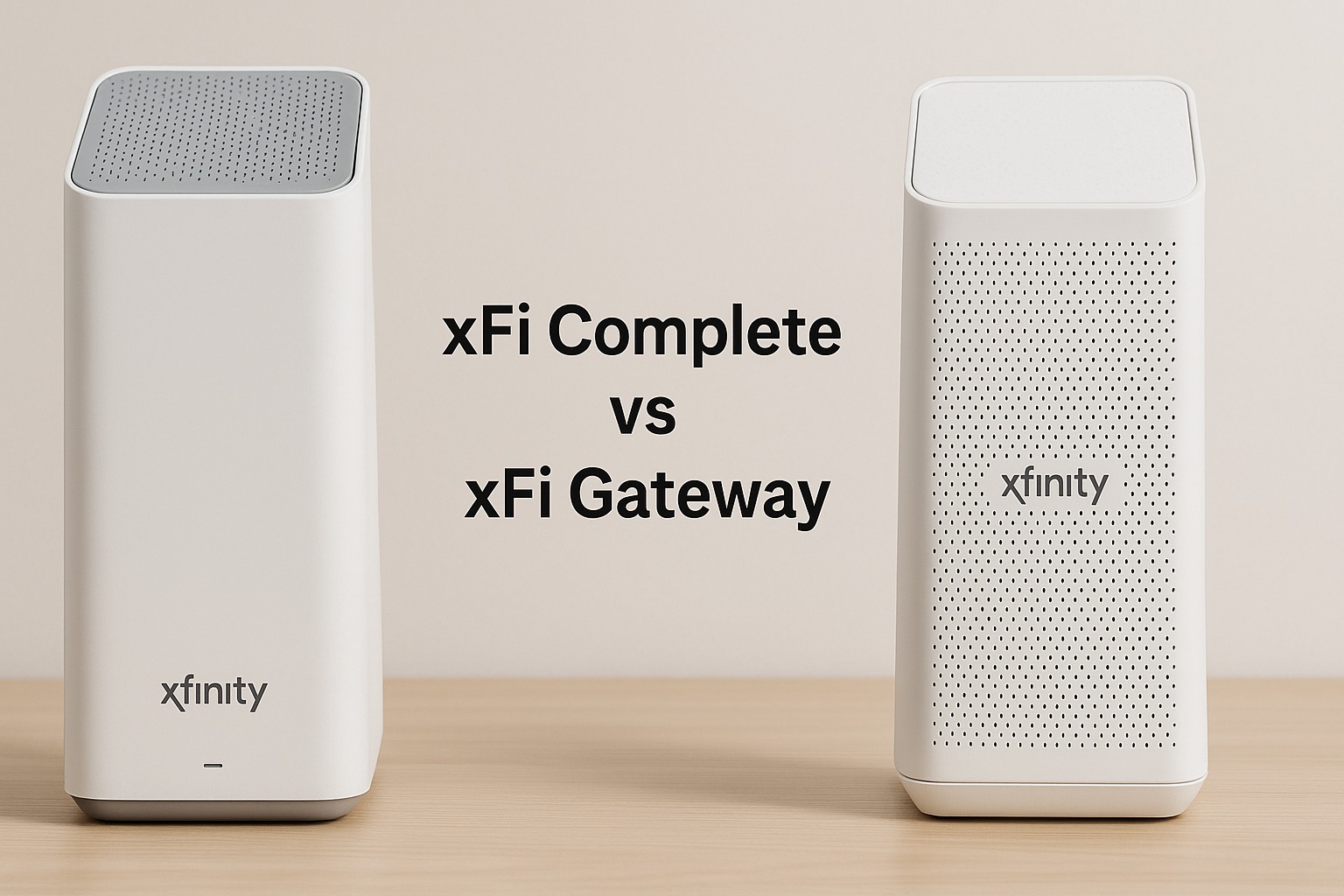
- xFi Gateway: A modern modem + router with Wi-Fi 6 technology for faster speeds and better handling of multiple devices.
- Whole-Home WiFi Coverage: WiFi assessments and optional pods help eliminate dead zones.
- Advanced Security: Real-time monitoring and protection for all devices connected to your network.
- xFi App Controls: Easy network management, parental controls, and the ability to pause devices.
In short, it’s designed to simplify your internet setup while boosting performance and reliability.
How xFi Complete Compares to a Standard Plan
| Feature | Standard Xfinity Internet | xFi Complete |
|---|---|---|
| Data | 1.2 TB monthly cap (fees if exceeded) | Unlimited data included |
| Equipment | Option to use your own or rent | Must use xFi Gateway (included) |
| WiFi Coverage | Depends on your router and layout | WiFi evaluation + optional pods |
| Security | Basic protection | Advanced threat monitoring and alerts |
| Cost | Lower monthly bill | Additional monthly fee (around $25 extra) |
With a regular plan, you get internet access but may need to handle your own router setup, security, and overage risks. xFi Complete simplifies that by rolling everything into one package.
Benefits of xFi Complete
- Unlimited Data
Heavy internet users—families streaming in 4K, gamers downloading large files, or homes with smart devices running 24/7—benefit most from unlimited data. It eliminates the stress of tracking usage or paying surprise fees. - Better WiFi Performance
The xFi Gateway is designed to handle modern households filled with devices. Combined with optional WiFi pods, it helps extend strong signal throughout your home. - Enhanced Security
Cybersecurity matters more than ever. The advanced protection built into xFi Complete shields every device on your network, from laptops to smart thermostats. - Simple Network Management
Through the xFi app, you can see all connected devices, pause WiFi access when needed, and set parental controls—all without complicated setups. - Support and Maintenance
Since the equipment is provided and managed by Xfinity, you don’t need to troubleshoot or upgrade your own router. Updates are automatic.
Downsides of xFi Complete
- Extra Monthly Cost
The service adds about $25 per month on top of your existing internet plan. For lighter users, this may feel unnecessary. - Must Use Xfinity’s Gateway
Tech enthusiasts who prefer high-end custom routers may find this limiting. Using your own equipment means losing some xFi Complete features. - Coverage Still Depends on Setup
While pods help, large or unusual home layouts may still have WiFi challenges. - Not Faster Internet
Your plan speed remains the same. What improves is coverage, reliability, and peace of mind—not raw speed.
Who Should Consider xFi Complete?
xFi Complete is ideal for:
- Families with multiple streamers and gamers.
- Work-from-home professionals who need stable, secure connections.
- Households filled with smart devices like cameras, assistants, and thermostats.
- People who frequently go over the 1.2 TB data cap.
- Anyone who values simplicity over managing their own modem, router, and security tools.
On the other hand, if your household uses the internet lightly—just browsing, emails, and occasional streaming—the standard plan may be more cost-effective.
How to Get xFi Complete
- Check Availability: Make sure Xfinity internet is offered in your area.
- Upgrade Online or by Phone: Existing customers can add xFi Complete through their account or by calling support.
- Install the xFi Gateway: This modem/router comes included. If needed, schedule professional installation.
- Run a WiFi Assessment: Xfinity may recommend adding WiFi pods for better coverage.
- Set Up the App: Use the xFi app to personalize security settings, parental controls, and device management.
Tips to Maximize xFi Complete
- Place the Gateway Centrally: Position it in the middle of your home for stronger coverage.
- Use Pods Wisely: Only add them where coverage is weak. Too many can slow performance.
- Customize Security Alerts: Set up notifications for unusual activity.
- Leverage Parental Controls: Create profiles for kids’ devices to manage screen time.
- Monitor Devices Regularly: Check the app to see which devices are connected.
Read More: Money6x.com Review: Can It Really 6× Your Money?
Conclusion
xFi Complete is Comcast Xfinity’s all-in-one solution for households that demand more from their internet. With unlimited data, an advanced gateway, better WiFi coverage, and built-in security, it simplifies internet management while giving peace of mind. It doesn’t increase your internet speed directly, but it does improve how smoothly your connection performs across multiple devices and large spaces.
For heavy internet users—streamers, gamers, remote workers, or families with smart homes—xFi Complete often justifies its added cost. For lighter users, however, the standard Xfinity plan may be more than enough.
At its core, xFi Complete is about convenience and reliability. It’s designed for people who don’t want to worry about data limits, technical setups, or network threats. If that sounds like your household, the upgrade may be well worth it. If not, staying with the base plan could save you money without sacrificing much.
FAQs
1. What is xFi Complete?
xFi Complete is an Xfinity internet add-on that includes unlimited data, the xFi Gateway modem/router, whole-home WiFi support, and advanced security features.
2. Does xFi Complete make my internet faster?
It doesn’t increase your plan’s speed, but it improves performance by reducing dead zones, handling multiple devices better, and keeping your connection secure.
3. Can I use my own router with xFi Complete?
To get the full benefits of xFi Complete, you must use the Xfinity xFi Gateway. Using your own router may limit some features.
4. Is xFi Complete worth the extra cost?
It’s worth it for heavy internet users, large households, or people who value unlimited data and strong WiFi coverage. Light users may not need it.
5. How much does xFi Complete cost?
The service typically adds about $25 per month to your existing internet plan, though exact prices may vary by location.


