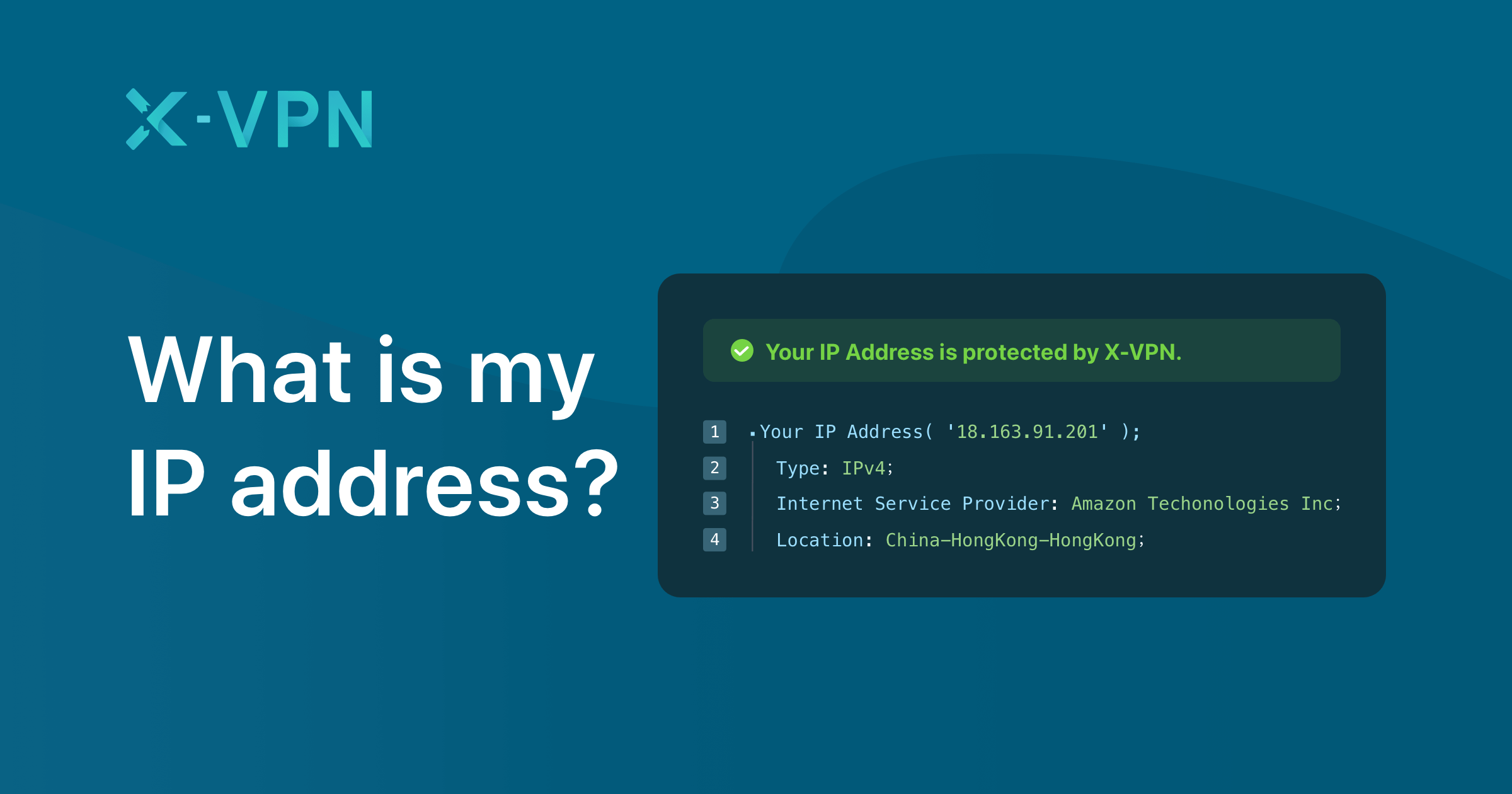
If you’ve ever typed “what is my IP” into a search bar, you’re not alone. It’s one of the most common questions people ask when they begin exploring how the internet actually works. At first glance, it might seem technical or even intimidating—but once you break it down, your IP address is surprisingly simple and incredibly important.
Let’s unpack it in a way that actually makes sense.
What Does “My IP” Mean?
Your IP address (short for Internet Protocol address) is a unique string of numbers assigned to your device when it connects to the internet. Think of it like your home address—but for your phone, laptop, or tablet.
When you visit a website, your device sends a request. That website then knows where to send the information back because of your IP. Without it, browsing the web would be like sending mail without a return address.
There are two main types:
- IPv4 (e.g., 192.168.1.1)
- IPv6 (a longer, more complex version designed for the future)
Why Do People Search “What Is My IP”?
There are actually several reasons someone might want to check their IP address:
- Troubleshooting internet issues
- Setting up online services or gaming servers
- Enhancing privacy or security
- Checking location-based restrictions
I remember once trying to fix a connection issue for a game server, and the first thing support asked me was my IP address—it felt confusing at first, but it turned out to be the key to solving everything.
Public vs Private IP Address
Not all IP addresses are created equal. There are two main types you should understand:
| Feature | Public IP Address | Private IP Address |
|---|---|---|
| Visibility | Visible on the internet | Used within your local network |
| Assigned By | Internet Service Provider (ISP) | Router |
| Example Use | Browsing websites | Connecting devices at home |
| Security Exposure | More exposed | More secure internally |
Your public IP is what websites see. Your private IP is what your devices use to communicate within your home network.
How to Find Your IP Address
Finding your IP is easier than you might think. Here are the simplest methods:
1. Google It
Type “what is my IP” into any search engine, and your public IP will appear instantly.
2. Check Device Settings
- Windows: Command Prompt → type
ipconfig - Mac: System Settings → Network
- Mobile: Wi-Fi settings
3. Use Online Tools
There are many free tools that show your IP along with location and ISP details.
What Can Someone Do With Your IP?
This is where curiosity turns into concern.
Your IP address can reveal:
- Your approximate location (city/region)
- Your ISP
- Your browsing patterns (to some extent)
However, it’s important to stay grounded—someone can’t hack your entire life just by knowing your IP. But they can use it for targeted ads, tracking, or in rare cases, malicious attempts.
Why Your IP Matters
Imagine you’re traveling and trying to watch your favorite streaming service. Suddenly, the content isn’t available. Why?
Because your IP address tells the platform where you are. Based on that, it either allows or restricts access. This is called geo-blocking, and it’s one of the most common practical uses of IP detection.
Dynamic vs Static IP Addresses
Another layer worth understanding:
- Dynamic IP: Changes periodically (most common)
- Static IP: Stays the same (used for servers, businesses)
Dynamic IPs are more secure for everyday users because they’re harder to track over time.
How to Protect Your IP Address
If privacy matters to you (and it should), here are some practical ways to keep your IP safer:
- Use a VPN (Virtual Private Network)
- Avoid suspicious websites
- Keep your firewall enabled
- Use secure Wi-Fi networks
These steps don’t just protect your IP—they strengthen your overall digital security.
Common Misconceptions About IP Addresses
Let’s clear up a few myths:
“My IP shows my exact location.”
Not quite. It usually shows a general area, not your precise address.
“If someone has my IP, they can hack me instantly.”
Highly unlikely without additional vulnerabilities.
“My IP never changes.”
Most home users have dynamic IPs that change regularly.
Why Understanding Your IP Is Actually Useful
Knowing your IP isn’t just for tech experts—it’s practical knowledge. Whether you’re setting up a smart home, fixing connectivity issues, or just becoming more aware of your digital footprint, it gives you more control.
And honestly, once you understand it, the internet feels a little less mysterious.
Read More: How Lawyers Build a Strong Immigration Detention Challenge
Conclusion
So, the next time you ask, “what is my IP,” you’ll know it’s more than just a random string of numbers. It’s your device’s identity on the internet—a crucial part of how everything online connects and communicates.
Understanding it doesn’t require a technical background. Just a bit of curiosity—and now you’ve got that covered.
FAQs
1. How often does my IP address change?
Most internet providers assign dynamic IPs, which can change every few days or when you restart your router.
2. Can I hide my IP address?
Yes, using a VPN or proxy service can mask your real IP.
3. Is it safe to share my IP address?
Generally, it’s okay for basic tasks, but avoid sharing it publicly to reduce risks.
4. Why does my IP location seem wrong?
IP-based location tracking isn’t perfect—it often shows the nearest server location instead of your exact spot.
5. Does every device have a different IP?
Yes. Each device on a network has its own private IP, but they may share the same public IP.