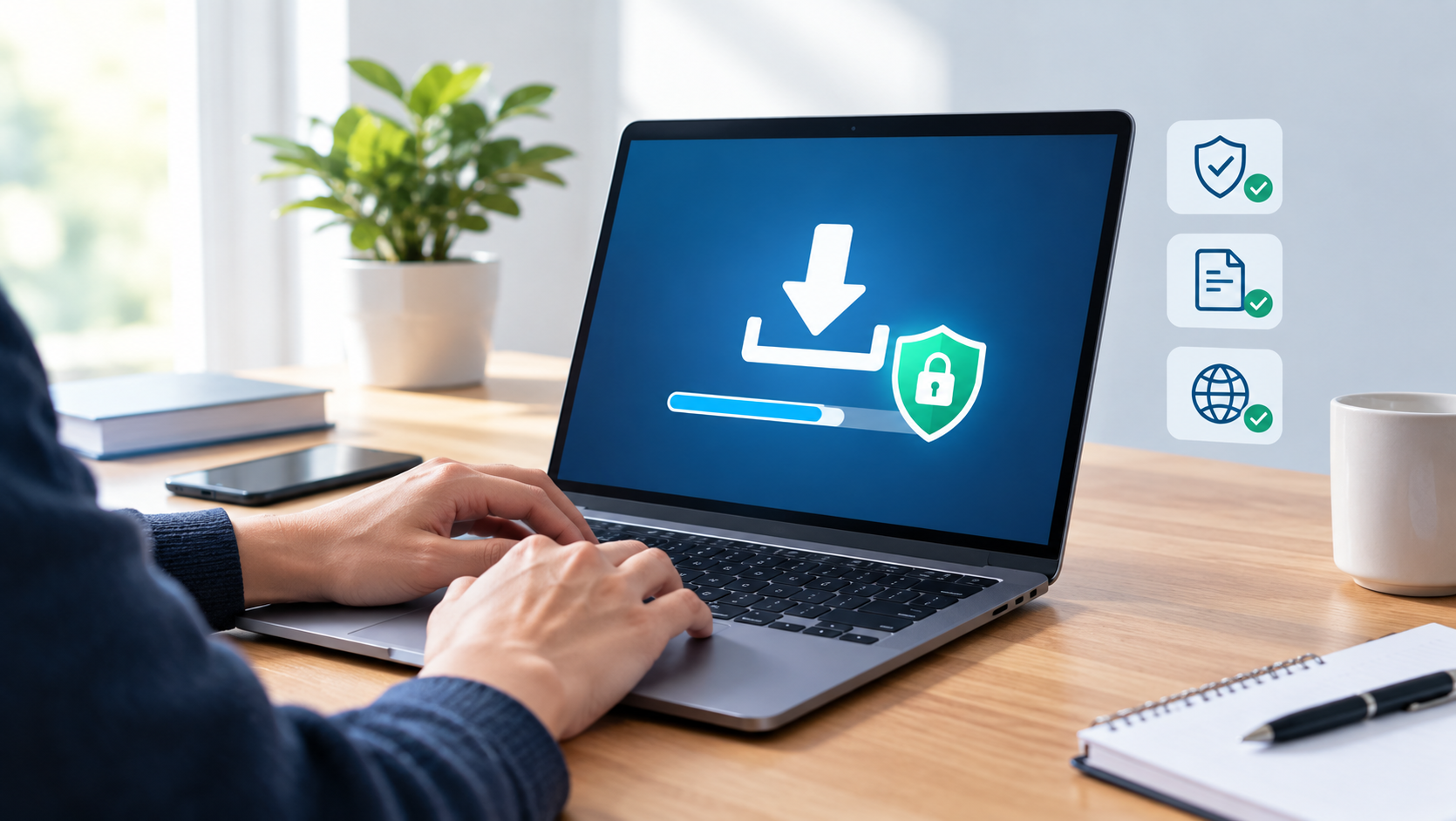
Downloading a movie, app, document, game, or music file should be simple, but it can expose your phone or computer to unwanted risks when done carelessly. Misleading buttons, fake installer files, intrusive browser notifications, and infected archives are common on low-quality download pages. A better download experience begins with a few practical habits: verify the source, understand the file type, check what you are installing, and keep your device protected.
Choose Official and Licensed Sources First
The safest option is always the official website, a recognised app store, or a licensed streaming and download service. These sources are more likely to provide the real file, clear version information, and updates that fix bugs or security issues. They also help ensure that filmmakers, musicians, software developers, and publishers are paid for their work.
Before downloading a film or show, check where it is legally available in your country. Many services offer offline viewing through their own mobile apps, which means there is no need to search for an unknown video file. For software, use the developer’s own download page rather than a third-party mirror whenever possible. The same applies to browser extensions: install them through the official browser store and review their permissions first.
Know the Difference Between a File and an Advertisement
One of the most common download mistakes happens when a page displays several large “Download” buttons. Some of those buttons may lead to advertisements, browser extensions, or unrelated applications rather than the content a visitor expected. A real download link usually identifies the item clearly, including the filename, format, version, and file size.
Take a moment to inspect the destination before clicking. On a desktop browser, hovering over a link can show its address in the status bar. On a phone, a long press may reveal the destination or offer a preview. Be cautious if the address is unrelated to the site you are visiting, contains a random-looking domain name, or immediately asks you to install an app.
- Ignore urgent messages claiming that a download will expire in seconds.
- Do not allow notifications merely to access a file.
- Avoid pages that demand personal details for ordinary public content.
- Close pop-ups that say your device is infected or that an update is required immediately.
Check File Formats Before Opening Anything
A file extension is not a perfect safety guarantee, but it can warn you when something does not match your expectation. A video is commonly delivered as MP4, MKV, or WEBM. Music may be MP3, AAC, FLAC, or WAV. Documents are often PDF, DOCX, or XLSX. If a supposed movie download arrives as an EXE, MSI, APK, BAT, SCR, or CMD file, do not open it. Those extensions can run software rather than play media.
Compressed files such as ZIP and RAR deserve extra attention. They are useful for distributing several legitimate files together, but attackers also use them to hide suspicious programs. Open the archive first and examine its contents. A folder that contains a video file and a text readme may be normal; an archive that contains a password-protected executable is a clear reason to stop.
Be Careful With Mobile App Packages
Android APK files can be useful for testing or for apps distributed directly by trusted developers, but they should not be installed casually. Enabling installation from unknown sources removes an important safety barrier. Only use an APK when you can confirm who created it, why it is not in the Play Store, and what permissions it needs. iPhone and iPad users should be equally cautious about configuration profiles and enterprise certificates offered by unfamiliar websites.
Use Basic Security Tools Properly
Good security does not require complicated technical knowledge. Keep your operating system, browser, and antivirus software up to date. Updates often repair vulnerabilities that malicious files and websites attempt to exploit. Enable your browser’s phishing and dangerous-download protection, and let your security software scan new downloads before you open them.
For a file that seems unusual, scan it with a reputable security tool and search its exact filename alongside words such as “malware,” “review,” or “official.” Do not rely only on star ratings or comments on a download page, since those can be copied or manipulated. If a program asks for administrator access without a clear reason, cancel the installation and investigate further.
Protect Your Accounts and Privacy
A download should not require handing over your main email password, banking details, or social media login. If a service needs an account, create a strong, unique password and enable two-factor authentication where available. Never reuse a password from your email account, because email access can be used to reset passwords for many other services.
Also review the privacy settings of the apps you install. A flashlight app does not need access to contacts, microphone recordings, and location history. Deny unnecessary permissions, remove apps you no longer use, and periodically review which browser extensions have access to your browsing data.
Support Useful Information and Original Work
Reliable digital publishing depends on clear attribution, accurate information, and respect for the people who create software and media. Website owners looking to build useful resource pages can learn from established publishing communities such as iCopify, where content visibility and placement are treated as part of a broader online publishing process. For readers, the important point is simple: trustworthy sources explain what they offer rather than hiding it behind confusing steps.
Safe downloading is not about avoiding every new website or file. It is about slowing down long enough to make an informed choice. Download from legitimate sources, match the file type to the content you expect, keep your device updated, and walk away when a page feels misleading. Those small habits can prevent lost data, unwanted subscriptions, malware infections, and hours of unnecessary troubleshooting.