Choosing the right B2B software tools can feel like navigating a maze blindfolded. There are hundreds of platforms promising to transform your pipeline, automate your outreach, and deliver data so accurate it practically closes deals on its own. But the reality is messier. Many businesses spend thousands of dollars on software subscriptions only to find the data is stale, the integrations break, or the tool simply doesn’t fit how their team actually works.
This guide is for founders, sales leaders, and operations managers who are tired of guessing. We’ll walk through a practical framework for evaluating B2B software tools – with a particular focus on the data sources that power them – so you can make smarter, more confident decisions.
Start With the Problem, Not the Product
The single biggest mistake businesses make when evaluating software is starting with the tool instead of the problem. Before you open a single product demo, get specific about what’s broken. Is your team spending too much time manually researching prospects? Are your contact lists riddled with bounced emails? Is your CRM full of duplicate records that nobody trusts?
Write down the problem in plain language. Then, and only then, start looking at tools that address it. This sounds obvious, but in practice, most buying decisions are triggered by a vendor’s outreach, a LinkedIn ad, or a peer recommendation – none of which necessarily align with your actual bottleneck.
Understand What’s Powering the Data
For B2B tools specifically – especially those related to prospecting, lead generation, and contact enrichment – the underlying data source matters enormously. Two tools can have nearly identical interfaces and pricing, but if one sources its contact data from a fresh, regularly verified database and the other relies on years-old crawled records, the difference in output quality will be dramatic.
Ask vendors directly: Where does your data come from? How frequently is it verified? What is your average email deliverability rate? What’s your policy on data from regions covered by GDPR or CCPA? Reputable vendors will answer these questions without hesitation. Vague or evasive answers are a red flag.
It’s also worth exploring tools that give you more control over how you access and export data. For teams building outbound lists from platforms like Apollo.io, there are ways to extract verified contact information at scale without being locked into expensive subscription tiers. One approach that sales teams have found useful is this tool, which allows you to pull contact records directly from Apollo searches at a cost-per-contact model – helpful when your prospecting volume doesn’t justify a full enterprise plan.
Evaluate Integration Depth, Not Just Surface-Level Compatibility
A tool that doesn’t connect cleanly with your existing stack will create more problems than it solves. Many platforms advertise native CRM integrations, but there’s a significant difference between a basic sync and a true two-way integration that handles field mapping, deduplication, and real-time updates.
Before signing any contract, test the integration yourself in a sandbox environment. Pay attention to:
- How the tool handles duplicate contacts
- Whether custom fields in your CRM are mapped properly
- How errors and failed syncs are logged and resolved
- Whether the integration requires ongoing maintenance or technical support
This step alone has saved many teams from committing to tools that looked great in a demo but fell apart during actual use.
Don’t Overlook Free and Lightweight Alternatives
Budget pressure is real, especially for growing teams. Before defaulting to the most well-known (and most expensive) platforms, it’s worth exploring whether lighter alternatives can meet your needs. The B2B prospecting space in particular has seen a wave of more accessible tools emerge in recent years.
If you’re currently relying heavily on LinkedIn Sales Navigator for prospecting intelligence, it’s worth checking out what free prospecting and sales intelligence options are available before committing to another annual subscription. Depending on your use case, you may find the core functionality you need without the overhead.
Build a Scoring Matrix Before You Commit
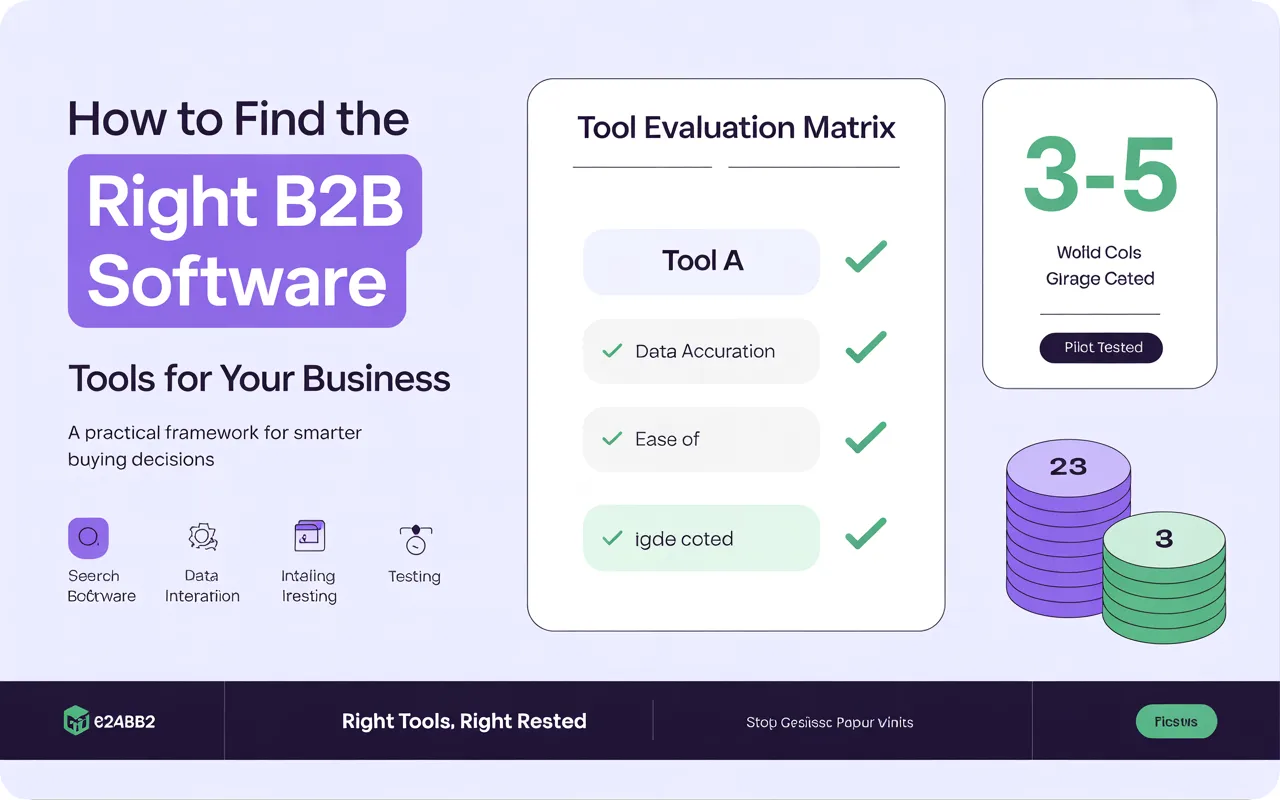
Once you’ve shortlisted two or three tools, create a simple scoring matrix. List your top requirements down one side – data accuracy, integration quality, ease of use, support quality, pricing model, compliance features – and score each tool against them. Weight the criteria based on how much each one matters to your specific workflow.
This approach removes the emotional pull of a well-designed interface or a persuasive sales rep and forces you to evaluate tools on what actually matters to your team. It also gives you a defensible record if the decision is ever questioned internally.
Pilot Before You Scale
Never roll out a new B2B software tool across your entire team without a focused pilot period first. Choose a small group of users who represent your typical use case, set clear success metrics, and give the tool a defined window – four to six weeks is usually sufficient – to prove its value.
Track the metrics that matter: time saved per task, data accuracy rates, conversion improvements, support response times. If the tool passes the pilot, you have real evidence to justify the wider rollout. If it doesn’t, you’ve saved your team from a costly mistake.
Revisit Your Stack Regularly
The B2B software landscape changes quickly. Tools that were best-in-class two years ago may now be outdated or overpriced compared to newer alternatives. Build a habit of reviewing your software stack at least annually – not to change everything, but to make sure each tool is still earning its place.
Ask your team which tools they actually use daily versus which ones they’ve stopped logging into. Usage data is often more honest than satisfaction surveys. If a tool isn’t being used, it’s either the wrong tool for the job or the team hasn’t been trained to get value from it – either way, it’s worth addressing.
Final Thoughts
Finding the right B2B software tools isn’t about chasing the latest product launch or following what your competitors are using. It’s about deeply understanding your own workflow, asking hard questions about the data powering the tools you consider, and piloting before you scale. The businesses that get this right don’t necessarily use the most tools – they use the right ones, and they use them well.