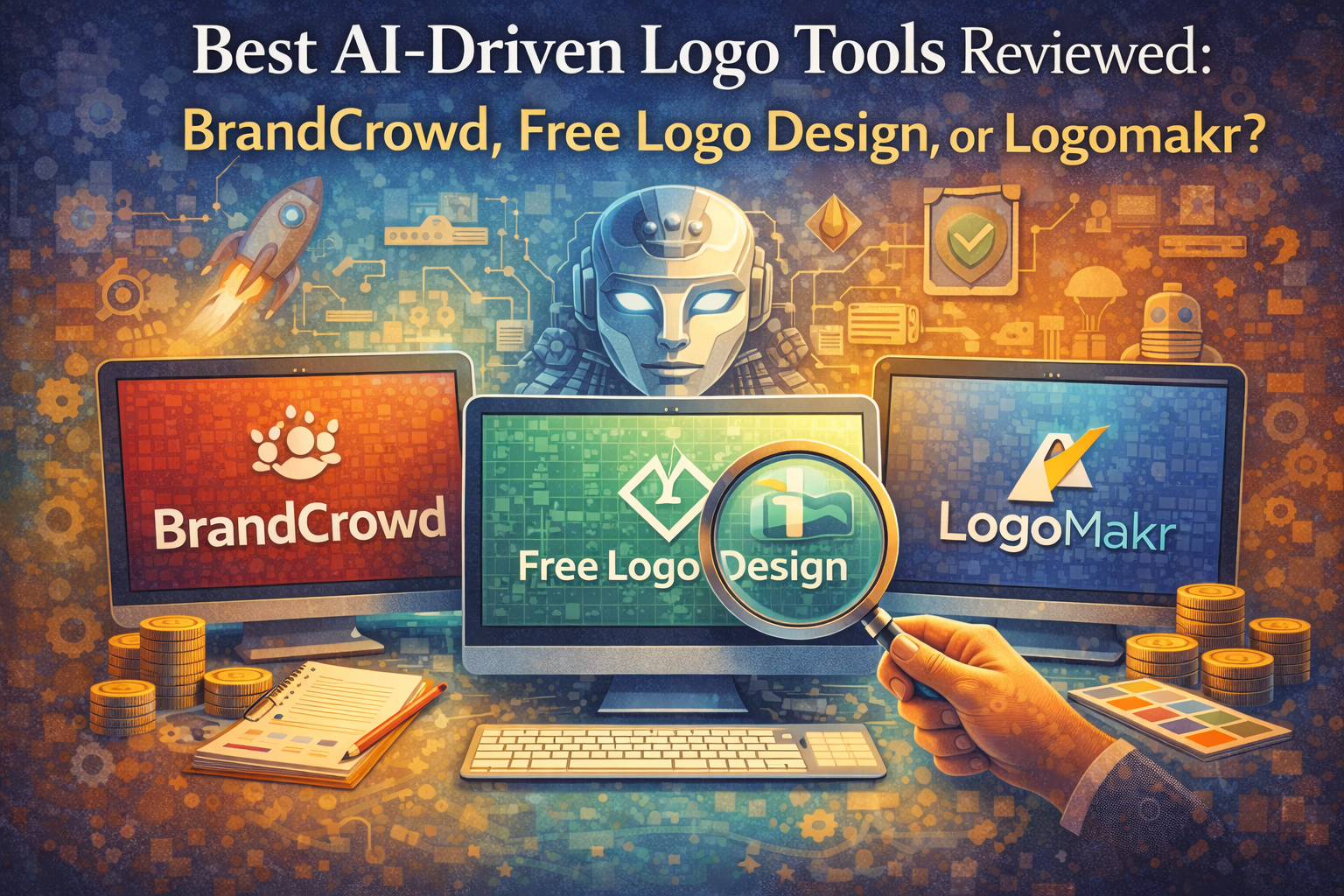
AI logo makers have made branding faster and easier than ever. Businesses can now create professional logos in minutes, even without design experience. However, not all tools provide the same quality, customization, or usability for commercial purposes.
In this review, we compare BrandCrowd, Free Logo Design, and Logomakr to see which platform offers the best results for modern businesses.
What to Look for in an AI Logo Tool
When choosing a logo maker, focus on:
- Design Quality: Clean, modern, and scalable logos
- Customization: Control over fonts, colors, and layout
- Speed: Time from initial input to final logo download
- Ease of Use: Fast and simple creation process
- Commercial Use: Logos must be safe for business use
Feature Comparison
| Features | BrandCrowd | Free Logo Design | Logomakr |
| AI Logo Generator | Advanced, 380K+ templates | Basic | None |
| Customization | Extensive (fonts, icons, layout, AI edits) | Limited | Manual control |
| Commercially Safe | Yes, fully verified | Limited | Depends on usage |
| Template Library | Very large, professional | Moderate | Icon-based |
| Speed/Time | Less than 5 minutes | 15+ minutes | 15+ minutes |
| Logo Design Quality | Very high, professional quality | Low, stock icon, generic | Amature |
| # of Designs Created | Thousands of highly relevant logos created | Several | Less than 20 |
| Pricing | Free plan: access to a wide selection of logos and design assets for free Paid plans: starting from $3/mo | Free Plan,Paid Plans: Starting from $44.99 | Paid Plans: Starting from $29 |
| File Formats | SVG, EPS, PDF, PNG, JPG, GIF, MP4 | PNG (basic), paid HD | PNG (free), paid HD |
| Pricing | Free + premium tools | From ~$39 | Free / ~$19 |
| Best For | Professional branding & scalability | Quick basic logos | Manual logo design |
- BrandCrowd
BrandCrowd is a strong logo platform powered by AI. It combines logo creation with a complete branding system, making it perfect for businesses that want professional and scalable results.
Strengths
- AI logo generator with over 380,000 logo templates and more than 1 million design assets
- Extensive customization of fonts, colors, icons, and layouts
- AI editing tools that allow chat-based logo adjustments
- Logos created by professional designers with exclusive assets
- 100% commercially safe logos that are checked for originality
- Large library with over 750 fonts and more than 62,000 vector shapes
- Supports all major formats: SVG, EPS, PDF, PNG, JPG, GIF, MP4
- Extended licenses available for exclusive logo ownership
Weaknesses
Shows no meaningful drawbacks
Pricing and Plans
- Free Tier: Free logos, templates, and design tools with website, bio link, and digital card makers; premium is needed to download created designs.
- Premium Logo Pack: $3 per month (Your logo is yours forever, Cancel anytime, High-res and vector logo files, Unlimited logo changes)
- Premium Logo Pack + Website: $4 per month (Everything in Logo Pack + Website builder
Additional Features
- Over 50 branding tools, including business cards, digital cards, and social media designs
- Free tools like a website builder and a link-in-bio creator
- Automatic brand color consistency across templates
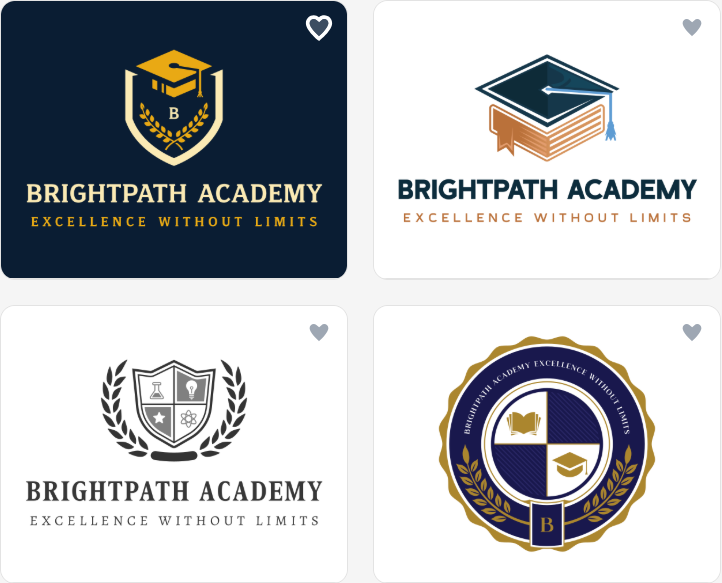
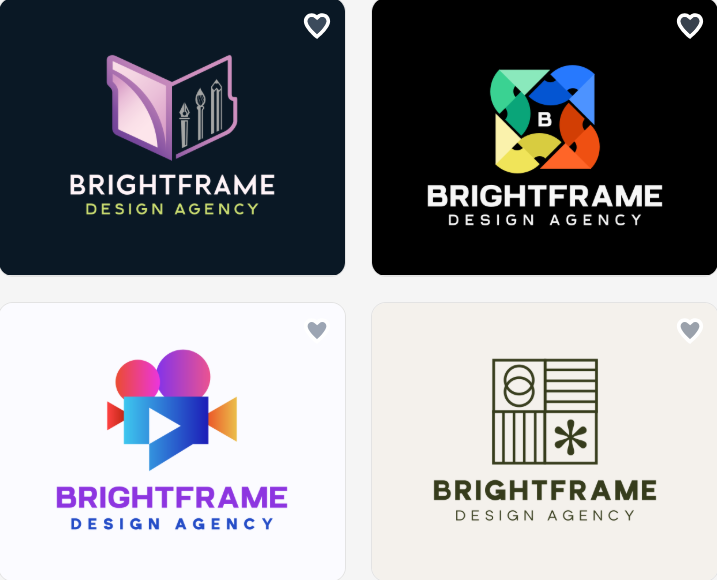
Logo Design Examples
BrandCrowd offers quality, customizable, and commercially safe logos with strong AI tools, making it the best overall choice.
- Free Logo Design
Free Logo Design is an online logo maker that focuses on logo creation. It is meant for users who want a basic logo without any complexity.
Strengths
- Easy-to-use interface with fast setup.
- Industry-based logo templates.
- Basic customization of text, colors, and icons.
- Free logo preview before download.
Weaknesses
- Limited customization options.
- Smaller template library.
- No advanced AI tools.
- Stock icons
- Lower quality design output
- Commercial use depends on purchased files.
Pricing
- Start Plan: Free
- Basic Plan: $44.99 USD high-res formats
- Premium Plan: $59.99 USD all formats + add-ons
- Unlimited Plan: $89.99 USD full access + unlimited edits
- Custom Logo: $299 USD custom design + all files
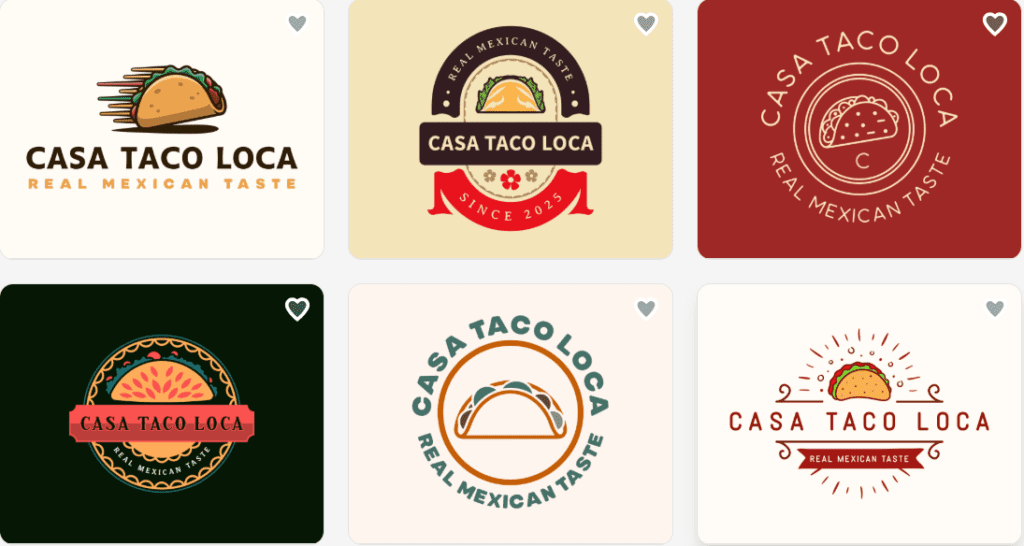
Logo Design Examples
Free Logo Design is good for quick and simple logos, but it lacks advanced features and flexibility.
- Logomakr
Logomakr is a simple logo design tool. It emphasizes manual editing instead of using AI.
Strengths
- Easy drag-and-drop editor
- Large collection of icons and shapes
- Complete control over layout and positioning
- Free low-resolution downloads
Weaknesses
- No AI-generated logo suggestions
- Requires manual design effort
- Limited branding tools
- Stock icons
- Less guidance for beginners
Pricing
- Basic Plan: $29 (Web-based files, Full commercial rights, One-time payment)
- Pro Plan: $60 (Web-based files, Raster files, Vector files, Full commercial rights, 6 extra design credits)
- Business Plan: $120 (Web-based files, Raster files, Vector files,30 extra design credits)
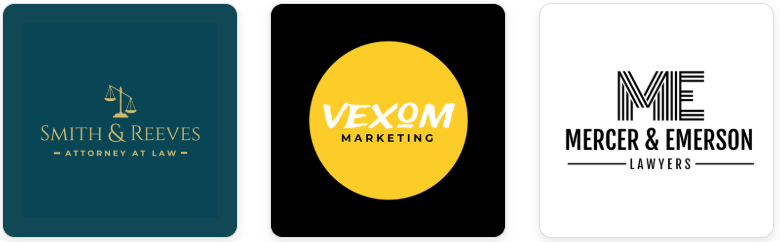
Logo Design Examples
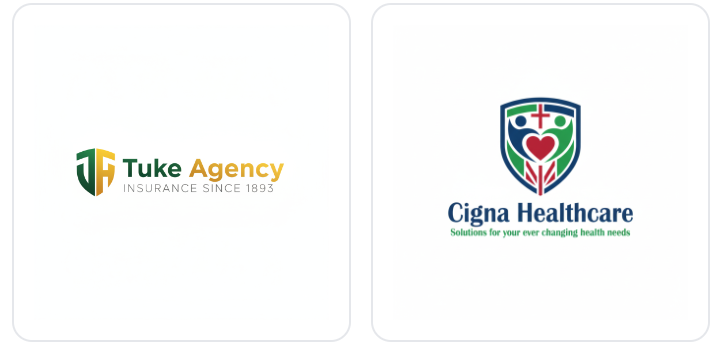
Logomakr is ideal for users seeking full manual control, but it lacks AI support and advanced branding features.
Final Thoughts
All three platforms serve different needs. Free Logo Design is simple and quick. Logomakr offers manual control.
BrandCrowd stands out as the best option. It combines AI-driven logo creation, extensive customization, and safe designs for commercial use with a full branding system.
Get started today. Use BrandCrowd to create a professional logo and build a strong, consistent brand identity.