
Introduction
Google Block Breaker is a browser-based game that brings a modern twist to the classic Atari Breakout. Accessible directly through Google Search, it offers an engaging and nostalgic experience for players of all ages. Whether you’re a casual gamer or aiming for the high score leaderboard, this guide provides comprehensive insights into how to play, strategies for success, and answers to common questions.
What Is Google Block Breaker?
Google Block Breaker is a browser-based game where players control a paddle to bounce a ball and break colorful blocks arranged at the top of the screen. The objective is to clear all blocks without letting the ball fall past the paddle. Each level presents unique challenges and block configurations, keeping the gameplay fresh and exciting.
How to Access Google Block Breaker
Accessing Google Block Breaker is straightforward:
- On Desktop: Open your preferred web browser and go to the Google homepage.
- Search: Type “Google Block Breaker” or simply “Block Breaker” into the search bar.
- Play: A playable game interface will appear at the top of the search results. Click on the “Play” button to start the game.
The game is optimized for both desktop and mobile devices, offering a seamless experience across platforms.
Gameplay Mechanics
The gameplay mechanics of Google Block Breaker are simple yet engaging:
- Paddle Control: Use the mouse or arrow keys to move the paddle left and right.
- Ball Launch: Click or tap to launch the ball.
- Objective: Break all the blocks without letting the ball fall past the paddle.
As you progress through levels, the game introduces new block patterns and increased difficulty, requiring quick reflexes and strategic planning.
Power-Ups and Their Effects
Power-ups add an exciting layer to the gameplay:
- Expand Paddle: Increases the paddle’s size, making it easier to catch the ball.
- Multi-Ball: Launches additional balls, increasing the chances of breaking blocks.
- Laser: Allows the paddle to shoot lasers, breaking multiple blocks at once.
- Slow Ball: Reduces the ball’s speed, giving more time to react.
- Extra Life: Grants an additional life, extending gameplay.
Strategically collecting and using these power-ups can significantly enhance your performance and help achieve higher scores.
Scoring System and Strategies
Understanding the scoring system is crucial:
- Block Colors: Different colored blocks may have varying point values.
- Combo Breaks: Breaking multiple blocks in quick succession can yield combo bonuses.
- Level Completion: Completing levels efficiently rewards additional points.
Strategies for High Scores:
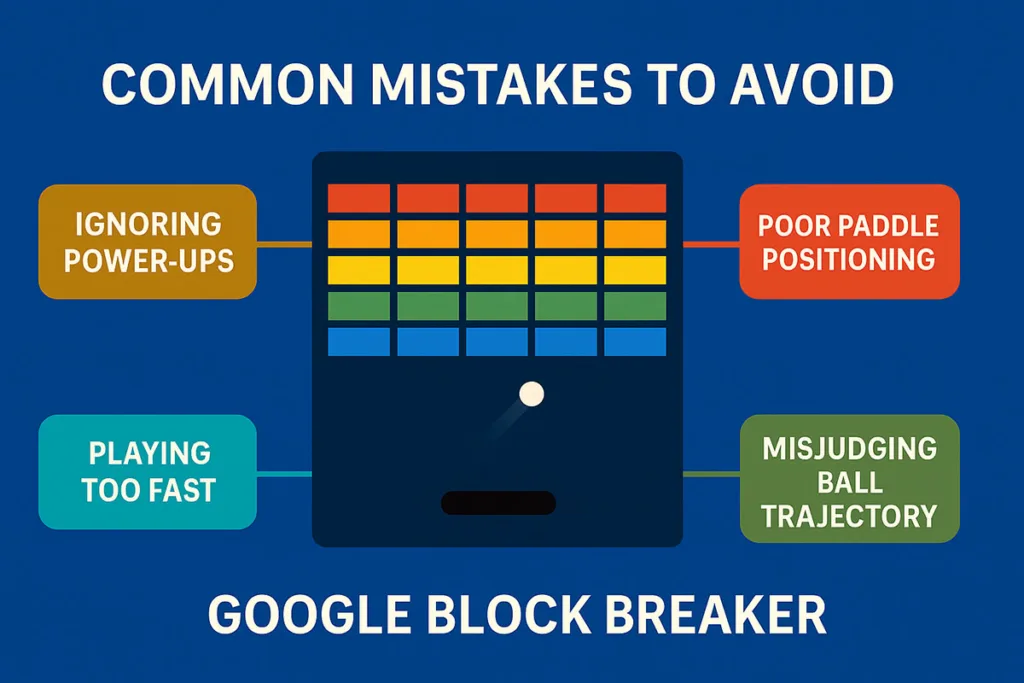
- Prioritize Power-Ups: Collect power-ups as they appear to gain advantages.
- Focus on Difficult Blocks: Target blocks that are harder to break first.
- Maintain Paddle Position: Keep the paddle centered to react swiftly to the ball’s movement.
- Use Angles: Hitting the ball at sharp angles can help reach difficult blocks.
By employing these strategies, players can maximize their scoring potential and progress further in the game.
Tips for Mastery
To master Google Block Breaker:
- Practice Regularly: Consistent play helps improve reflexes and understanding of game mechanics.
- Analyze Patterns: Observe block patterns to anticipate ball trajectories.
- Stay Calm: Maintaining composure during fast-paced sequences can prevent mistakes.
- Learn from Others: Watch gameplay videos to learn advanced techniques and strategies.
With dedication and practice, players can enhance their skills and achieve impressive scores.
FAQs
Q1: How do I play Google Block Breaker?
Simply search for “Google Block Breaker” on Google, and click the “Play” button that appears in the search results. Use the mouse or arrow keys to control the paddle and break all the blocks.
Q2: Can I play Google Block Breaker on mobile?
Yes, the game is optimized for mobile devices. You can play it on smartphones and tablets by searching for “Google Block Breaker” in your mobile browser.
Q3: Are there different difficulty levels in the game?
The game gradually increases in difficulty as you progress through levels, introducing new block patterns and faster ball speeds.
Q4: Does Google Block Breaker save my high scores?
Google Block Breaker does not save high scores across sessions. However, some third-party versions of the game may offer score tracking features.
Q5: Can I play Google Block Breaker offline?
No, the game requires an internet connection to load and play.
Read More: Is eLoanWarehouse Payday Loans a Smart Emergency Option or a Dangerous Trap?
Conclusion
Google Block Breaker offers a delightful blend of nostalgia and modern gaming. Its simple mechanics, engaging gameplay, and strategic depth make it a compelling choice for players of all ages. Whether you’re looking to pass the time or challenge yourself to beat high scores, Google Block Breaker provides an accessible and enjoyable experience. So, search for “Google Block Breaker,” start playing, and see how far you can go!


