
Introduction
In today’s connected world, cybersecurity is no longer optional—it’s essential. Viruses, ransomware, phishing attacks, and spyware are constantly evolving, targeting everyday users as much as businesses. Among the most recognized names in antivirus software is Kaspersky, a brand that has been around for decades. Known for its strong detection rates and user-friendly design, Kaspersky continues to protect millions of devices worldwide. But with shifting subscription models, global trust concerns, and new competitors, the big question remains: is Kaspersky still the right choice in 2025? This review will explore its features, performance, global reputation, and how it compares with alternatives so you can make an informed decision about your digital security.
1. Kaspersky: A Quick Background
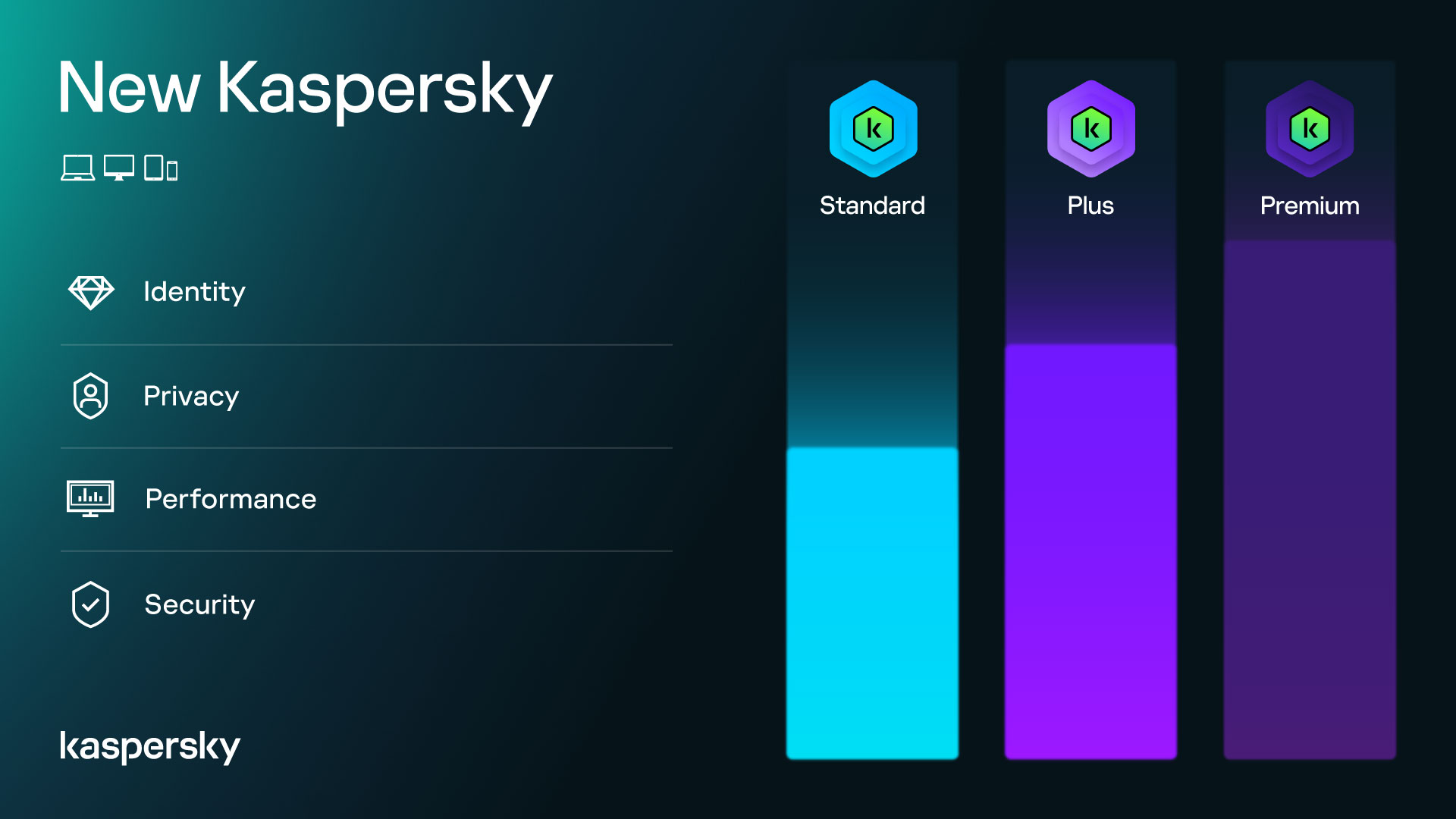
Founded in 1997, Kaspersky quickly became one of the top global cybersecurity companies. Initially popular for its powerful malware detection, the software has grown into a complete security suite with antivirus, VPN, password management, and identity protection tools. Today, Kaspersky offers three main subscription tiers—Standard, Plus, and Premium—designed to meet different user needs, from basic virus protection to full-scale digital privacy and support.
2. Plans and Features
Kaspersky now follows a tiered subscription model:
Standard Plan
- Real-time antivirus and malware protection
- Ransomware defense
- Safe browsing and payment protection
- Basic VPN
- System performance optimization
Plus Plan
Includes everything in Standard, plus:
- Unlimited VPN
- Password manager
- Identity leak monitoring
Premium Plan
Includes everything in Plus, plus:
- Advanced identity protection tools
- Encrypted storage
- 24/7 expert support
- Family-sharing options
Each plan works across devices including Windows, macOS, Android, and iOS. Starting in 2025, consumer-level Linux support is also being rolled out.
3. Strengths: Performance and Protection
Kaspersky consistently scores high in independent lab tests for malware detection, blocking viruses, trojans, spyware, and ransomware. It uses multiple layers of defense, such as:
- Behavior analysis to catch unknown threats
- Exploit prevention to block targeted attacks
- Network protection to stop unsafe connections
- Rootkit scanning for deep system-level threats
- Firewall and BadUSB defense to safeguard against unusual attack vectors
One of Kaspersky’s strengths is efficiency: it runs quietly in the background with minimal system slowdown. Users often comment that scans are fast and the software is less resource-heavy than some competitors.
4. Reputation and Trust Concerns
Despite its technical excellence, Kaspersky has faced criticism and government bans in some countries. The U.S., for example, prohibits the use of Kaspersky software in government systems due to concerns about ties with the Russian state. Similar restrictions or advisories exist in countries such as Germany, Italy, Lithuania, the Netherlands, the U.K., and recently Australia.
It’s important to note that while no verified evidence of wrongdoing has been found, geopolitical tensions have affected trust in the brand. For individual users outside restricted regions, this may not be an issue, but for government agencies or corporations in sensitive industries, alternatives are often recommended.
5. Global Usage and Public Opinion
Millions of users worldwide still rely on Kaspersky, praising it for its reliability and user-friendly design. On community forums, many users highlight how light the program runs while still offering powerful protection. For mobile users, Kaspersky is also a popular free antivirus choice, offering effective malware blocking and phishing alerts—though deeper scans can sometimes slow down devices.
Overall, general consensus from everyday users is positive: Kaspersky works as advertised, protects effectively, and provides great value compared to some competitors.
6. Alternatives to Kaspersky
For users in regions where Kaspersky is restricted or for those concerned about political implications, there are several strong alternatives:
- Norton 360 Standard – Known for dark web monitoring, cloud backup, and strong parental controls.
- Bitdefender Total Security – Excellent malware detection rates, multi-device coverage, and strong privacy tools.
- Avast One – Budget-friendly option with reliable core protection.
- AVG Internet Security – Simple, straightforward antivirus with essential features.
These brands provide overlapping protections, but each has unique strengths. Norton excels in all-in-one features, Bitdefender is often rated the most effective in raw protection, and Avast and AVG are lighter, cost-effective solutions.
7. User Experience and Interface
Kaspersky is praised for its clean, intuitive dashboard. Categories like Protection, Performance, Privacy, and Parental Tools are neatly organized, making it easy to navigate. Unlike some antivirus programs that bombard users with pop-ups or ads, Kaspersky keeps distractions minimal. Its interface is designed for both beginners and advanced users, ensuring smooth daily use without constant interruptions.
8. Who Should Use Kaspersky (and Who Shouldn’t)
Best for:
- Everyday users needing reliable antivirus with little system impact
- Families wanting parental controls and multi-device coverage
- Individuals seeking an all-in-one security suite with VPN and password management
Not ideal for:
- Users in countries where Kaspersky is banned or restricted
- Government employees or businesses in sensitive sectors
- Those who prefer alternatives with extra features like cloud backups (e.g., Norton)
Read More: Youjiushijie: The Age-Old World Guiding Modern Life
Conclusion
Kaspersky’s 2025 lineup—Standard, Plus, and Premium—delivers strong cybersecurity across multiple devices. With advanced malware detection, real-time protection, VPN, password management, and identity monitoring, it remains one of the most comprehensive antivirus solutions available. Independent lab results consistently confirm its strength in performance and safety, while its user-friendly interface makes it accessible for both beginners and advanced users.
However, trust concerns tied to its Russian origins and government bans in several countries cannot be ignored. For individual users outside these regions, Kaspersky remains a reliable choice. But if political concerns or compliance rules apply, alternatives like Norton, Bitdefender, or Avast may be more suitable.
Ultimately, choosing Kaspersky comes down to balancing performance with peace of mind. For many users, it still represents one of the strongest antivirus tools in 2025.
FAQs
1. Is Kaspersky still safe to use in 2025?
Yes, it remains technically safe and highly effective. The only concerns relate to government restrictions in some regions.
2. What’s the difference between Kaspersky Standard, Plus, and Premium?
Standard offers core antivirus; Plus adds unlimited VPN and a password manager; Premium adds identity protection and expert support.
3. Why is Kaspersky banned in the U.S.?
Due to national security concerns over potential ties with the Russian government. The ban applies mainly to government and business use.
4. How does Kaspersky compare to Norton or Bitdefender?
Kaspersky excels in malware detection and usability, Norton is feature-rich with backups and monitoring, while Bitdefender scores slightly higher in detection tests.
5. Does Kaspersky include a VPN or password manager?
Yes, both are included in the Plus and Premium plans. The Standard plan includes only a limited VPN.


