
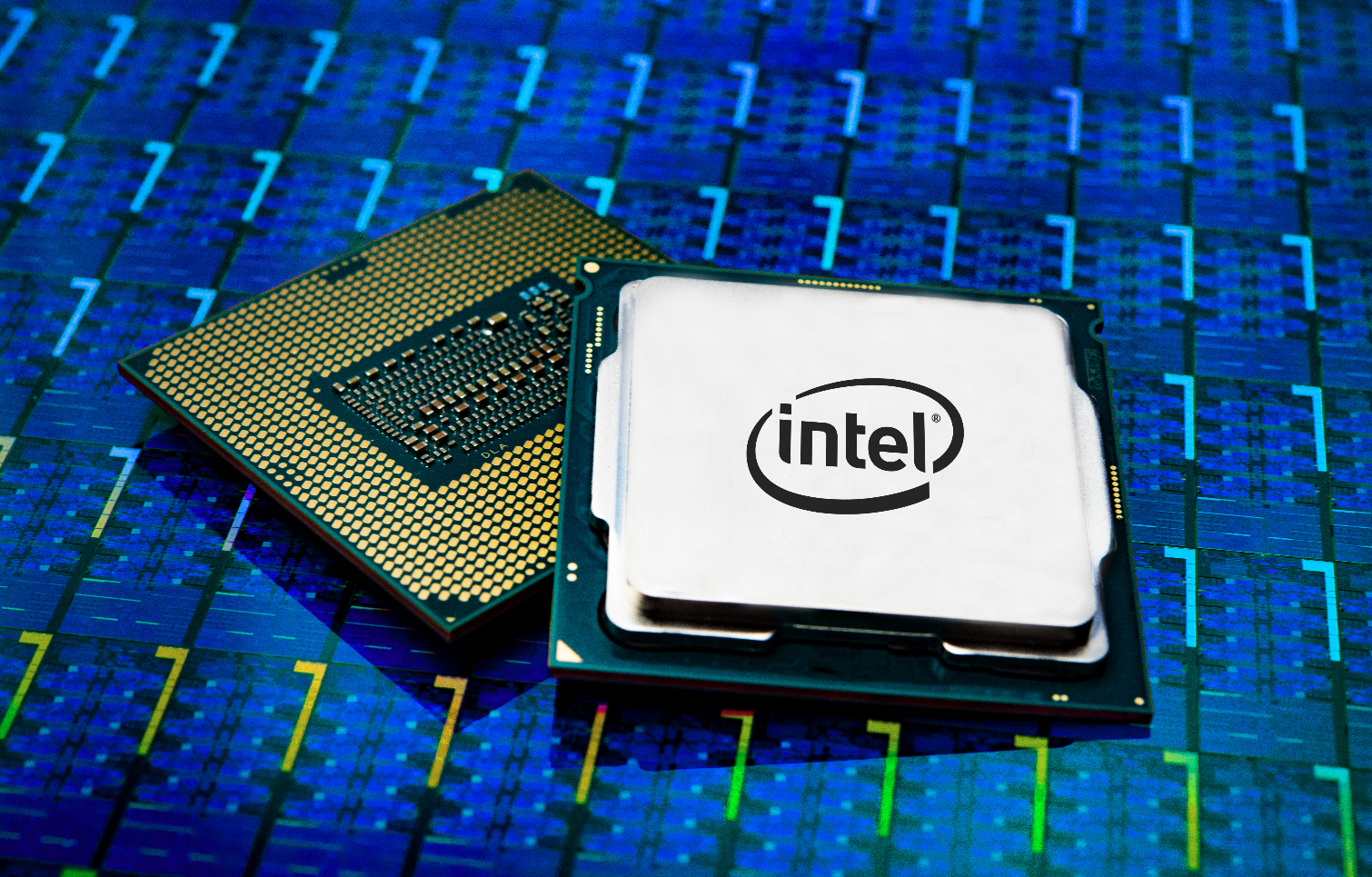
The Intel Core i3-9320 @ 3.70 GHz is a 9th-generation Coffee Lake desktop processor that delivers excellent day-to-day performance for budget-friendly PC builds. It was designed to strike a balance between speed, efficiency, and affordability — ideal for users who browse the web, stream content, handle office work, or enjoy light gaming.
Although it doesn’t have the high core counts of modern CPUs, the i3-9320 still holds its ground with a solid 3.70 GHz base clock, four cores, and an 8 MB Smart Cache. Combined with DDR4 memory support and modest power consumption, it remains a capable option for anyone upgrading an older system or building a cost-effective desktop.
In this article, we’ll explore its specifications, real-world performance, compatibility details, upgrade advice, and common user FAQs — all based on reliable technical sources and practical experience. This ensures a complete, expert-level understanding of whether the i3-9320 still makes sense in 2025.
1. Overview and Key Specifications
Let’s start with the essential specs that define the i3-9320’s capabilities:
- Generation: 9th-Gen Coffee Lake Refresh
- Cores / Threads: 4 cores / 4 threads
- Base Clock Speed: 3.70 GHz
- Max Turbo Frequency: Up to 4.4 GHz
- Cache: 8 MB Intel Smart Cache
- Lithography: 14 nm process technology
- TDP (Thermal Design Power): 62 W
- Integrated Graphics: Intel UHD Graphics 630
- Memory Support: DDR4-2400 (dual-channel)
- Socket Type: LGA 1151 (compatible with 300-series chipsets)
Despite being released several years ago, these specifications show a well-balanced CPU that can easily handle productivity tasks, HD media, and gaming with a dedicated GPU.
2. Performance in Real-World Use
Everyday Tasks
The i3-9320’s high single-core performance ensures that basic computing feels fast and responsive. Web browsing, word processing, and multitasking with several browser tabs are smooth. Its four cores are sufficient for office software, streaming, and educational use.
Gaming Performance
With integrated UHD 630 graphics, it can run light esports titles like CS: GO, Valorant, and League of Legends at low settings. Pairing it with a discrete GPU like the GTX 1650 Super or RX 580 dramatically improves frame rates at 1080p resolution. The strong single-core speed keeps games responsive, though CPU-intensive titles or high-refresh gameplay benefit from more threads.
Content Creation
For video editing, 3D rendering, or heavy multitasking, its four threads can be limiting. While short projects in Adobe Premiere or Photoshop run fine, professional creators will prefer a CPU with six or more cores. However, for casual editing, streaming, or photo retouching, the i3-9320 still performs admirably when paired with sufficient RAM and SSD storage.
3. Power Efficiency and Thermals
The 62 W TDP makes the i3-9320 relatively power-efficient. Most users can rely on the included Intel stock cooler without issues. Under heavy load, temperatures typically stay below 70 °C with proper case airflow. For quiet operation or mild turbo boost stability, an aftermarket cooler is a good upgrade.
Since the chip uses Intel’s mature 14 nm process, its thermal characteristics are predictable and easy to manage. Even in compact builds, maintaining stable performance is straightforward.
4. Compatibility and Motherboard Support
The i3-9320 uses the LGA 1151 v2 socket, compatible with Intel 300-series motherboards (H310, B360, B365, H370, Z370, and Z390). However, motherboard BIOS updates are sometimes required for full 9th-generation CPU support — especially on early Z370 boards.
When buying a used motherboard, check that it already supports the i3-9320 or that you can update the BIOS before installation. The CPU supports dual-channel DDR4-2400 memory and can handle up to 64 GB of RAM.
It works best when paired with:
- H310/B360 boards for budget systems
- Z390 boards for maximum feature support and overclocking controls (although this CPU itself isn’t unlocked)
5. Strengths and Limitations
Strengths
- Excellent single-core performance
- Low power consumption
- Stable thermals under sustained load
- Affordable on the used market
- Compatible with a wide range of 300-series motherboards
- Ideal for basic gaming and productivity
Limitations
- Only 4 threads (no Hyper-Threading)
- Limited upgrade potential on LGA 1151 platform
- No official overclocking capability
- Outperformed by newer 6- and 8-core CPUs
These limitations don’t affect users who simply want a reliable desktop for general computing, but they do make the i3-9320 less suitable for demanding multitasking or high-end gaming in 2025.
6. How It Compares to Modern CPUs
In 2025, the i3-9320 sits below modern Core i3-12100 or Ryzen 3 4100 CPUs in multi-core benchmarks. However, its single-thread performance remains competitive for most day-to-day tasks.
Newer CPUs offer more threads, higher efficiency, and support for DDR5 and PCIe 4.0/5.0. But if you’re using an older LGA 1151 motherboard, upgrading to an i5-9400, i7-9700, or i9-9900 may be more practical than switching platforms entirely.
In simple terms:
- If you already own a 300-series board, the i3-9320 is a smart budget option.
- If you’re building a new PC, go for newer architectures that provide longer-term value.
7. Optimizing Your i3-9320 System
Here are some actionable tips to get the best performance:
- Keep BIOS updated. A newer BIOS ensures full CPU recognition and stability.
- Use dual-channel RAM. Two identical sticks (2×8 GB or 2×16 GB) significantly improve memory bandwidth.
- Enable XMP profiles. This helps your RAM run at rated speed for smoother multitasking.
- Pair with an SSD. Switching from HDD to SSD drastically reduces boot and load times.
- Use a balanced power plan. In Windows, “Balanced” or “High Performance” modes help sustain higher turbo frequencies.
- Monitor temperatures. Tools like HWMonitor or CoreTemp help ensure the CPU runs cool under load.
These small adjustments can noticeably improve real-world responsiveness, even without changing hardware.
8. Buying Guide — New vs Used
Since the i3-9320 has been discontinued, most units are now available in the second-hand market. When buying used:
- Check physical condition. Ensure no bent pins (on the motherboard socket) or thermal paste residue.
- Ask for proof of testing. CPU-Z screenshots or POST photos verify functionality.
- Confirm compatibility. Make sure the seller specifies supported motherboards and BIOS version.
- Evaluate price. Reasonable used prices typically range below $80 USD depending on region and condition.
For new buyers, occasionally refurbished stock may still appear through local vendors, but used units are far more common and cost-effective.
9. Troubleshooting Common Issues
1. System doesn’t boot
Often caused by outdated BIOS. Update the BIOS using a compatible older CPU or request a pre-flashed board from the vendor.
2. Overheating or throttling
Reseat the cooler and reapply thermal paste. Ensure the CPU fan profile isn’t too silent-oriented.
3. Performance feels slow
Check RAM configuration, background apps, or Windows power plan. The i3-9320 runs best when background processes are minimized.
4. GPU bottleneck
When paired with high-end GPUs, frame rates might be limited by the CPU. Adjust graphics settings or upgrade to a higher-core processor for demanding titles.
10. Is It Still Worth It in 2025?
The i3-9320 remains a capable entry-level processor if you already own compatible hardware. It performs strongly in office work, streaming, media playback, and even mid-range gaming.
However, if you’re building a new system from scratch, it’s wiser to invest in newer CPUs like Intel’s 12th or 13th Gen Core i3/i5 or AMD Ryzen 5000/7000 series. Those newer chips offer more cores, faster memory support, and longer platform life.
When It’s Worth Keeping
- Upgrading from older 2-core CPUs
- Using existing 300-series boards
- Budget gaming with mid-range GPUs
- Office or home-media PC builds
When to Upgrade
- Heavy multitasking or content creation
- High-refresh gaming setups
- Need for DDR5 or PCIe 4.0/5.0 support
- Professional workloads
11. Futureproof Alternatives
If you decide to upgrade instead of keeping the i3-9320, consider these balanced options:
- Intel Core i3-12100 / 13100: Affordable, faster, and supports DDR5.
- Intel Core i5-12400: Six cores with excellent gaming performance.
- AMD Ryzen 5 5600: Great value with strong multithread performance.
These CPUs offer significant improvements in thread count, IPC (instructions per clock), and power efficiency — while remaining in accessible price ranges.
12. Longevity and Value Summary
While technology moves fast, not everyone needs the latest CPU. The i3-9320’s single-thread strength means it still feels responsive in Windows 10/11 for years to come. Combined with an SSD, enough RAM, and a discrete GPU, it easily supports modern workloads such as:
- Microsoft Office, Google Workspace
- Web conferencing and streaming
- 1080p video playback
- Light creative tools (Canva, Photoshop)
- Casual and esports gaming
It’s a practical choice for educational, business, and home use systems that prioritize stability over bleeding-edge performance.
Read More: 877-613-7414 Call Scam or Legit? How to Handle It Safely
Conclusion
The Intel Core i3-9320 @ 3.70 GHz is a reliable and efficient 9th-generation processor built for balance — not excess. Its four cores, solid turbo speeds, and energy-efficient 14 nm design make it excellent for general computing, online work, and light gaming. While newer CPUs surpass it in thread count and modern features, the i3-9320 still holds strong for anyone upgrading older PCs or building a budget-friendly machine in 2025.
It’s not future-proof, but it’s dependable. When paired with a compatible motherboard and discrete GPU, it can power through most everyday workloads smoothly. If affordability and practicality are your goals, this CPU remains a wise choice; if long-term performance and scalability matter more, step up to a modern six-core alternative. Either way, understanding its strengths and limits ensures you get the most value from your hardware.
FAQs
1. How to check if my PC is using the Intel Core i3-9320 correctly?
Open Task Manager → Performance → CPU. The top-right corner will display your processor model and base speed. You can also use CPU-Z to verify core count, frequency, and cache size.
2. How to update my motherboard BIOS for i3-9320 support?
Download the latest BIOS file from your motherboard manufacturer’s website. Follow the update instructions using a USB flash drive and built-in BIOS update tool. Always ensure power stability during the process.
3. How to overclock or boost i3-9320 performance?
The i3-9320 is not unlocked for manual overclocking. However, enabling Intel Turbo Boost, keeping the CPU cool, and activating XMP for faster RAM are safe ways to improve performance.
4. How to fix low performance or frame drops in games?
Check CPU and GPU utilization using monitoring software. If CPU usage is constantly at 100%, reduce background tasks or lower CPU-intensive graphics settings like shadows and draw distance.
5. How to upgrade from i3-9320 to a faster CPU?
If your motherboard supports other 9th-Gen Intel CPUs, upgrading to an i5-9400 or i7-9700 is straightforward. For major improvements, you’ll need a new motherboard and possibly DDR5 memory to support newer processors.


