
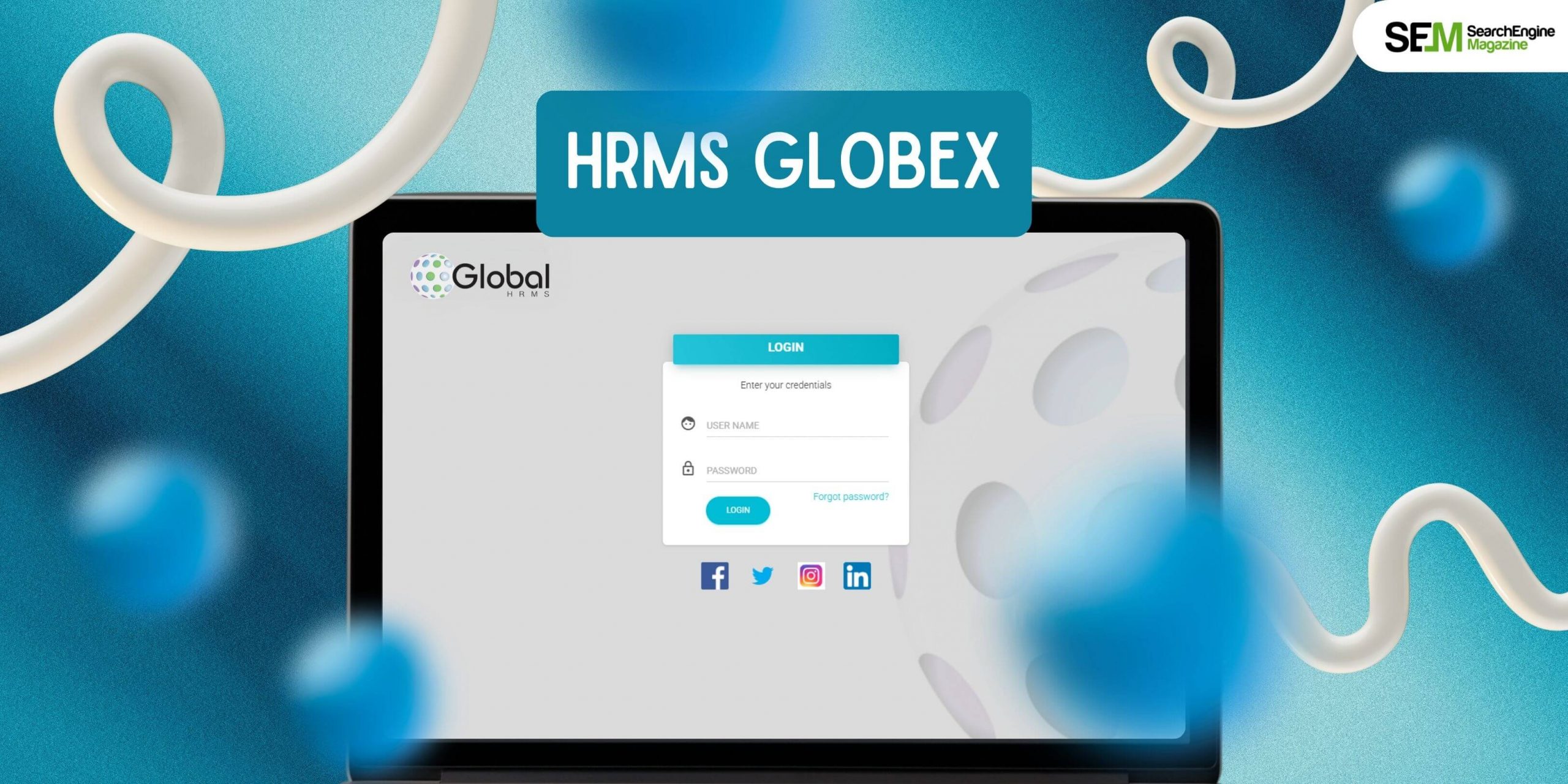
Introduction
Human Resource Management is no longer just about payroll and attendance tracking—it’s about creating efficiency, compliance, and employee satisfaction in an organization. Modern businesses need advanced tools to handle recruitment, onboarding, performance tracking, and data management.
HRMS Globex is one such solution gaining popularity among companies of all sizes. It integrates all core HR functions into a single system, reducing manual effort, eliminating errors, and empowering HR teams to work strategically instead of administratively.
In this detailed guide, we’ll explore what HRMS Globex is, its features, benefits, challenges, implementation strategies, and FAQs that people often ask.
What is HRMS Globex?
HRMS Globex is a cloud-based Human Resource Management System designed to streamline and automate day-to-day HR operations. Instead of relying on spreadsheets, paper records, and multiple software tools, organizations can manage everything—recruitment, payroll, attendance, performance, and analytics—under one platform.
It focuses on both efficiency for HR teams and convenience for employees through self-service features and data transparency.
Key Features of HRMS Globex
1. Employee Self-Service (ESS)
Employees can log in to view payslips, update personal information, apply for leave, check attendance, or download company policies—without contacting HR directly.
2. Recruitment & Onboarding
HRMS Globex simplifies the hiring process by managing job postings, resumes, interview schedules, and candidate communication. It also streamlines onboarding with digital forms, training schedules, and orientation programs.
3. Payroll Automation
The system automatically calculates salaries, tax deductions, and overtime, ensuring accuracy and compliance with labor regulations. It also generates payslips and detailed payroll reports.
4. Time & Attendance Management
It tracks attendance, work hours, overtime, and leave balances. Integration with biometric or digital check-ins ensures accuracy while reducing absenteeism and fraud.
5. Leave Management
Employees can apply for leave online, and managers can approve or reject requests instantly. Automated tracking ensures transparency and fairness.
6. Performance Management
HRMS Globex allows managers to set goals, monitor KPIs, and conduct performance reviews with tools like 360-degree feedback. This supports employee growth and organizational success.
7. Analytics & Reporting
With customizable dashboards and reports, HR teams can analyze workforce trends—such as turnover rates, payroll costs, or absenteeism—and make data-driven decisions.
8. Security & Compliance
The system uses role-based access, data encryption, and audit trails to safeguard sensitive employee data. It also helps organizations stay compliant with local labor laws and regulations.
9. Scalability & Integration
HRMS Globex can integrate with ERP, finance, or accounting tools and expand as a company grows. Its modular approach allows organizations to add features step by step.
Benefits of HRMS Globex
- Time Efficiency – Automates repetitive tasks like payroll and attendance so HR staff can focus on strategy and employee engagement.
- Accuracy – Reduces human error in calculations and record-keeping.
- Employee Empowerment – Self-service tools give employees more control, reducing HR bottlenecks.
- Compliance Made Easy – Ensures adherence to tax and labor laws with automated reports.
- Data-Driven Insights – Advanced analytics help managers make smarter decisions.
- Scalable Growth – Suitable for small, medium, or large enterprises with flexibility to grow.
Challenges to Consider
- Initial Setup & Data Migration – Transferring old records can be time-consuming.
- Training & Change Management – Employees may need guidance to adapt to the new system.
- Cost – Implementation, customization, and subscriptions must be budgeted carefully.
- Internet Dependence – Being cloud-based, it requires stable connectivity.
- Customization Needs – Some organizations may require tailored features that take time to configure.
How to Implement HRMS Globex Successfully
- Define Your Needs – Identify which HR processes need the most improvement.
- Start Small – Deploy essential modules first (e.g., payroll, attendance), then expand.
- Clean & Migrate Data – Ensure old records are accurate before moving to the new system.
- Train Employees – Offer workshops and user guides to reduce resistance.
- Assign Ownership – Designate HR or IT staff to manage ongoing updates and configurations.
- Monitor & Improve – Gather feedback regularly and refine processes as the system matures.
Read More: How to Use LessInvest.com to Grow Your Wealth Smarter
Conclusion
HRMS Globex is more than just an HR tool—it’s a comprehensive solution for transforming how businesses manage their workforce. By automating payroll, attendance, recruitment, and performance evaluations, it reduces administrative work while improving accuracy and compliance. The platform’s self-service features empower employees, while advanced analytics give management the insights needed for better decision-making.
Like any technology, HRMS Globex requires careful planning, training, and phased adoption for maximum results. The organizations that succeed with it are those that treat it not just as a tool but as a long-term investment in efficiency and employee satisfaction.
For small businesses, it provides a cost-effective way to modernize HR. For larger enterprises, it ensures scalability and control across complex workforce structures. With HRMS Globex, HR becomes a strategic partner in growth, not just an administrative department.
FAQs
1. What is HRMS Globex used for?
It is used to manage payroll, attendance, recruitment, performance, and HR data in one centralized system.
2. How does HRMS Globex improve employee experience?
Employees gain access to self-service portals where they can check payslips, request leave, and view policies without HR intervention.
3. Is HRMS Globex suitable for small businesses?
Yes. It is scalable, meaning smaller companies can start with basic modules and expand as they grow.
4. How long does HRMS Globex implementation take?
Implementation can take a few weeks to several months depending on data size, customization, and training needs.
5. Can HRMS Globex support remote or hybrid work setups?
Yes. Being cloud-based, it allows employees and HR teams to log in and manage tasks from anywhere.


