
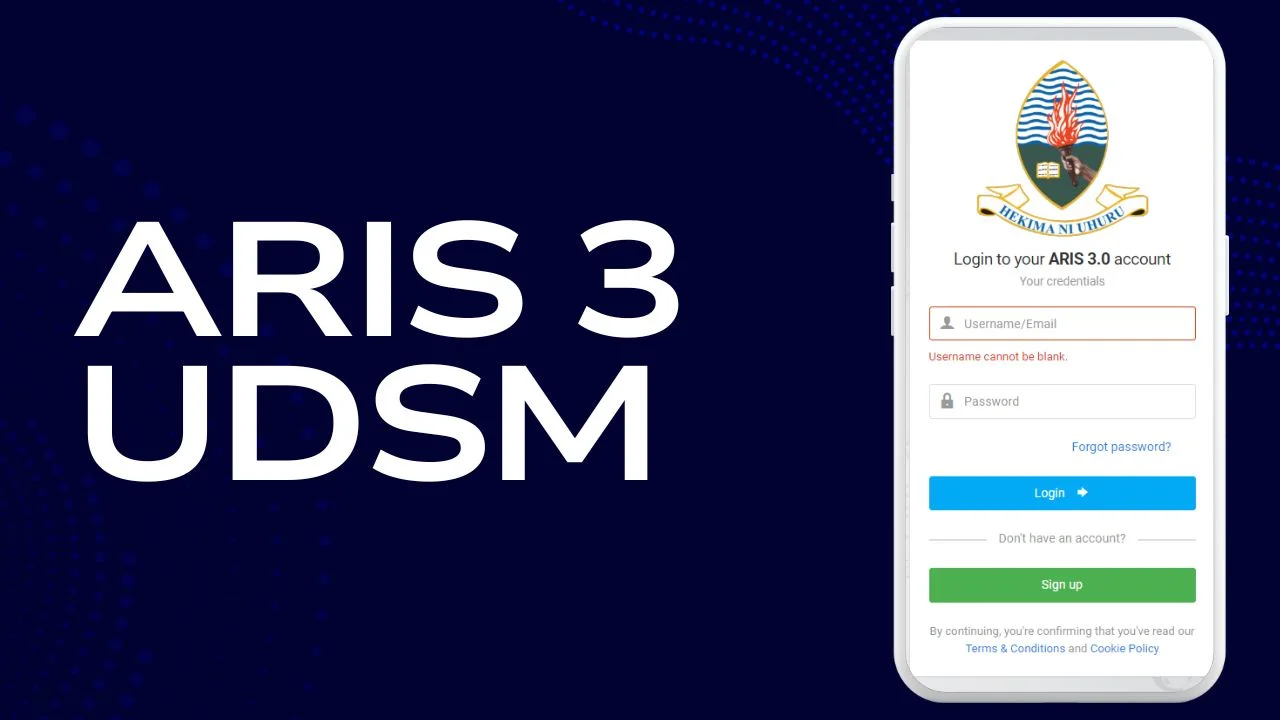
The ARIS 3 UDSM (Academic Registration Information System, version 3) is the official online portal of the University of Dar es Salaam. Designed to modernize academic and administrative management, ARIS 3 centralizes student and staff activities into one efficient, easy-to-use platform. It replaces older manual or semi-digital processes, helping students register for courses, check results, manage fees, request transcripts, and update personal information—all from any internet-enabled device.
ARIS 3 is more than a convenience tool; it ensures accuracy, transparency, and timely access to essential academic information. It allows the university to streamline operations while giving students real-time updates on their academic progress. For new and returning students, mastering ARIS 3 early in the academic year is crucial to avoid delays, mistakes, or missed deadlines. This guide will walk you through everything you need to know to access, navigate, and fully utilize ARIS 3 for a smooth academic experience at UDSM.
1. What Is ARIS 3 UDSM?
ARIS 3 is the third version of the Academic Registration Information System used by the University of Dar es Salaam. It serves as a central hub for academic, financial, and administrative functions, replacing outdated manual processes. The system enables students to handle most of their university tasks online, saving time and reducing errors.
Through ARIS 3, students can register for courses, track academic progress, pay fees, request official documents, and manage personal profiles. Faculty and administrative staff also use the system to monitor student progress, manage course offerings, and ensure smooth communication across departments. The upgrade to version 3 focused on user-friendliness, mobile compatibility, and faster system responses.
2. Key Features of ARIS 3 UDSM
2.1 Course Registration
Students can register for courses online without visiting academic offices. The system displays eligible subjects based on program requirements and allows course add/drop within set deadlines. Early registration is recommended to avoid missing preferred classes.
2.2 Academic Records and Results
ARIS 3 provides real-time access to academic results, GPA, and transcripts. Students can view, print, or download their results instantly, eliminating the need to check physical notice boards.
2.3 Fee Management
Students can generate control numbers for payments, track fee statements, and download receipts. Payments can be made through banks or mobile money services. The system ensures fees are properly recorded and updates student accounts instantly.
2.4 Transcript Requests
Graduates and current students can request official transcripts directly through ARIS 3. The system guides the user through request submission, fee payment, and collection procedures.
2.5 Personal Information Management
ARIS 3 allows students to update contact details, emergency contacts, and other personal information to ensure accurate communication and record-keeping.
2.6 Timetable and Scheduling
The system displays class schedules, exam timetables, and important academic deadlines. Students can plan their studies effectively and receive notifications for schedule changes.
3. How to Access ARIS 3 UDSM
- Open a web browser on your device.
- Visit the ARIS 3 login portal.
- Enter your username (usually your registration number) and password.
- Click “Login” to access your dashboard.
For first-time users: sign up using your admission details, verify your email or phone, and create a secure password.
4. How to Register for Courses
- Log in to ARIS 3.
- Go to Registration > My Course Registration.
- Select the semester and the courses you want to take.
- Review your choices and save. Confirm your registration to complete the process.
Tips:
- Check prerequisites before selecting courses.
- Register early to avoid last-minute issues.
- Ensure your fees are up to date before registering.
5. How to Pay Fees
- Log in and generate a control number for the required fee category.
- Use the control number to pay through your preferred method: bank or mobile money.
- Return to ARIS 3 to confirm payment status and download your receipt.
Best practice: always keep digital or printed receipts and double-check the control number before payment.
6. Checking Results and Academic Records
- Log in to ARIS 3.
- Navigate to Academic Records or My Courses & Results.
- Select the semester to view results.
- Download or print results for personal or official use.
The system provides instant updates, making it easier to track academic progress and plan for future semesters.
7. Requesting Transcripts
- Log in and select My Transcript Requests.
- Click Add New Request and fill in the required details.
- Receive a control number for payment.
- Submit payment and complete any additional submission steps as instructed.
Processing times may vary, so it’s important to request transcripts well in advance for job applications, scholarships, or further studies.
8. Common Issues & Troubleshooting
Forgot Password
Use the “Forgot Password” option to reset your login credentials with your email or phone number.
Missing Results
Clear your browser cache or try another device. Contact the academic office if the problem persists.
Registration Errors
Ensure all prerequisites are met and fees are fully paid. Check deadlines carefully.
Mobile Access Problems
Use updated browsers for the best mobile experience, as ARIS 3 may not have a dedicated app.
Payment Confirmation Issues
Always save receipts and confirm the payment status in ARIS 3 before completing registration or transcript requests.
Read More:
Conclusion
The ARIS 3 UDSM platform has revolutionized academic and administrative management at the University of Dar es Salaam. By consolidating course registration, fee payment, results tracking, transcript requests, and personal information management into one online portal, ARIS 3 reduces bureaucracy and enhances efficiency. Students no longer need to rely on manual paperwork or visit multiple offices, as the system provides instant access to all essential academic functions.
Using ARIS 3 correctly ensures that students meet deadlines, maintain accurate records, and avoid unnecessary delays in their academic journey. It is especially useful for planning courses, monitoring academic progress, and handling financial obligations. For both new and returning students, mastering ARIS 3 early is essential for a smooth university experience. Ultimately, ARIS 3 is more than a registration system—it is a central tool for academic success, transparency, and convenience, empowering students to take control of their university life.
FAQs
1. What does ARIS 3 UDSM mean?
ARIS 3 stands for Academic Registration Information System, version 3, used by the University of Dar es Salaam to manage academic and administrative activities online.
2. How do I log in to ARIS 3 UDSM?
Log in using your registration number and password on the ARIS 3 portal. First-time users must create an account using admission details.
3. How do I register for courses?
After logging in, go to Registration > My Course Registration, select the semester and courses, save, and confirm your registration.
4. Can I pay fees through ARIS 3?
Yes, generate a control number in ARIS 3 and pay via bank or mobile money. Always confirm the payment status and save receipts.
5. What should I do if I forget my password?
Use the “Forgot Password” option with your registered email or phone to reset your password securely.


