
Imagine waking up one morning only to discover that your email has been hacked, your bank account has been accessed, and you have years of photos of yourself taken by ransomware. This is not a hypothetical situation for millions of people around the world; it is a reality.
Cybercrime is still on the upswing and shows no signs of slowing down. Cybercrime is expected to be a top economic threat in the world, with Cybersecurity Ventures estimating that it will cost the world $10.5 trillion every year. In the meantime, the annual Verizon Data Breach Investigations Report reports that “human error” is a significant driver of security breaches, and among the most frequently used attack methods are phishing and stolen credentials.
With cybercriminals turning to AI to power their attacks and execute increasingly believable scams, it’s time for individuals to get in step with the criminals’ proactive strategy. Fortunately, you don’t need to have in-depth technical skills or spend a lot of money to enhance your cybersecurity. If you follow a few good practices and take appropriate security measures, you can significantly lower your chances of being a victim.
10 Essential Cybersecurity Tips
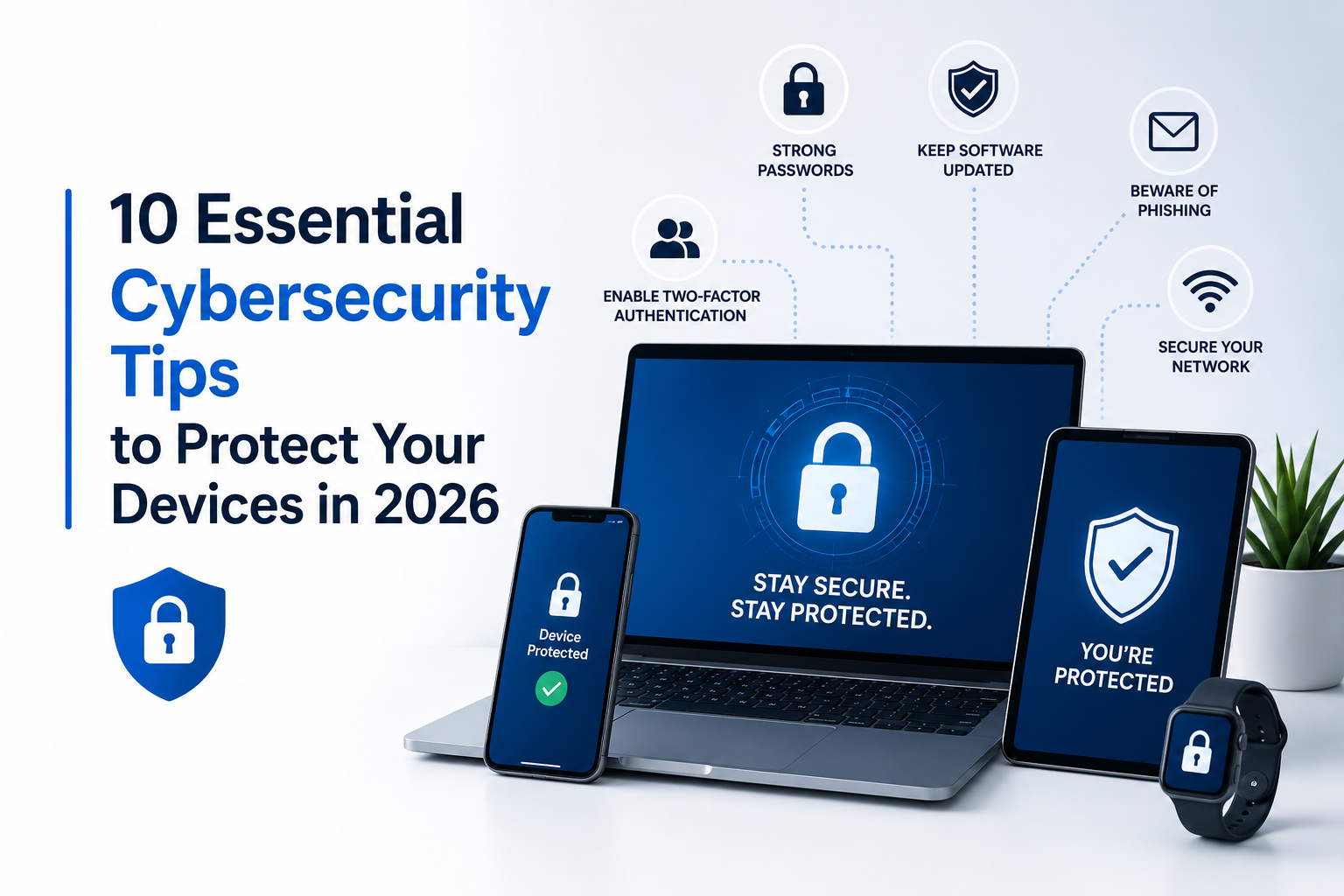
These are 10 important cybersecurity tips to ensure your devices, accounts and personal information stay safe in 2026.
1. Keep Your Operating System and Software Updated
To ensure security, ensure that your operating system and software are always up-to-date.
Software updates aren’t just about new functionality; they’re also designed to address vulnerabilities that are being actively exploited by hackers.
Automatically update your operating system, web browser, and installed programs and applications. Waiting to make updates can make your devices vulnerable to all known threats that an attacker could exploit within days, or even hours, of that threat becoming known.
Make sure you regularly update:
- Windows or macOS
- Android or iOS
- Web browsers
- Office applications
- PDF readers
- Antivirus software
One of the easiest and most effective cyber security measures is to keep things up to date.
2. Use Strong, Unique Passwords
Weak passwords continue to be one of the biggest reasons for account break-ins. Common passwords such as “123456” or “password” can be cracked in seconds.
Rather, make passwords that:
- Are at least 14 characters long
- Use upper and lower case letters.
- Use numbers and symbols to contain.
- Are unique for every account
You can create and save strong passwords for all of your accounts securely, and you will not need to remember dozens of complex passwords.
3. Allow 2 Factor Authentication (2FA)
Even if a strong password is used, if it is stolen, then it will not be sufficient.
Two-factor authentication (2FA) is a form of security that requires two items to be verified before you are given access to your account.
Enable 2FA on:
- Email accounts
- Banking apps
- Cloud storage
- Social media
- Online shopping accounts
Use authenticator apps for SMS verification, if available, for increased security.
4. Be Alert to Phishing Scams
Phishing attacks have evolved significantly, particularly as AI technology is now making it easier for cyber criminals to create convincing emails, fake websites and SMS messages.
Common symptoms are:
- Emergency requests that require immediate attention
- Unexpected attachments
- Misspelled website addresses
- Poor grammar
Questions asking for passwords and financial details. Take extra precautions when clicking a link; ensure that the sender is correct and that the URL is correct.
5. Install Reliable Antivirus Software
Modern antivirus software protects against much more than traditional viruses.
A quality security solution can detect:
- Malware
- Ransomware
- Spyware
- Phishing websites
- Suspicious downloads
Keep real-time protection enabled and schedule regular scans to detect threats before they cause damage.
6. Download Software Only from Trusted Sources
One of the fastest ways to infect your device is by downloading software from unverified websites.
Whenever possible, download applications directly from the developer’s official website or trusted software repositories.
Before installing any file:
- Read user reviews
- Verify digital signatures when available
- Scan files with antivirus software
- Avoid fake “Download” buttons
- Stay away from cracked or modified software
For businesses and developers, it’s also worth incorporating AI-powered penetration testing (AI pentesting) into regular security assessments. These tools can automatically identify vulnerabilities in applications and infrastructure before attackers have a chance to exploit them, adding another layer of protection alongside safe downloading practices.
7. Secure Your Home Wi-Fi Network
Your Wi-Fi network serves as the gateway to every connected device in your home.
Strengthen your network by:
- Changing the default router password
- Using WPA3 encryption when available
- Updating router firmware
- Disabling unnecessary remote access
- Creating a separate guest network
A secure network helps prevent unauthorized users from accessing your devices.
8. Back Up Important Data Regularly
No security system is perfect.
Whether your device is infected with ransomware or suffers a hardware failure, regular backups ensure your important files remain recoverable.
Follow the 3-2-1 backup rule:
- Keep three copies of your files
- Store them on two different types of storage
- Maintain one off-site or cloud backup
Automated backups can save countless hours of frustration.
9. Protect Your Privacy on Public Wi-Fi
Public Wi-Fi networks at airports, hotels, coffee shops, and shopping malls are convenient—but often insecure.
When using public Wi-Fi:
- Avoid online banking if possible
- Only visit websites using HTTPS
- Disable automatic file sharing
- Turn off Bluetooth when unnecessary
- Use a reputable VPN to encrypt your internet connection
These simple precautions significantly reduce the risk of data interception.
10. Stay Informed About Emerging Cyber Threats
Cybersecurity is an ongoing process, not a one-time setup.
New scams and attack techniques emerge constantly, making awareness one of your strongest defenses.
Stay informed by:
- Following reputable cybersecurity news
- Reviewing your account security settings regularly
- Monitoring financial accounts for unusual activity
- Learning about the latest phishing tactics
- Removing software you no longer use
The more informed you are, the easier it becomes to recognize suspicious activity before it becomes a serious problem.
Conclusion
Cyber threats will continue to evolve throughout 2026, but many successful attacks still rely on simple mistakes such as weak passwords, outdated software, or careless downloads. By following these ten cybersecurity tips, you can dramatically improve your digital safety without needing extensive technical expertise.
Think of cybersecurity as regular maintenance rather than a one-time task. Keeping your software updated, enabling two-factor authentication, downloading applications from trusted sources, backing up important files, and staying informed about new threats all work together to create a much stronger defense. The digital world isn’t becoming less risky—but with smart habits and the right tools, you can stay one step ahead of cybercriminals and protect your personal information with confidence.